Looker migration services: don’t spend a year migrating BI by hand

SquareShift offers Looker migration services with DASHPORT. We assess, migrate and validate your BI estate from Tableau, Power BI, MicroStrategy, Qlik, Domo, Cognos or WebFOCUS into Looker.

DASHPORT architecture diagram showing Tableau, Power BI, MicroStrategy, Qlik, Domo, Cognos, and WebFOCUS moving through DASHPORT into Google Looker.
5xFaster migration5x faster than traditional manual migrations.
75%Cheaper migration75% cheaper than traditional manual migrations.
UI to KPIsAutomated validationAutomated validation across UI, data models, calculations, metrics, and KPIs.

Migrate any BI platform to Looker.

Whatever your reporting estate runs on today, DASHPORT reads it, translates it, and validates it into one governed Looker model.

Shared
destination
01

Tableau to Looker

A refined path from Tableau to Looker, backed by structured migration accelerators and built for enterprises moving toward a unified data model.

Tableau to Looker migration

02

Power BI to Looker

Automated dashboard analysis, semantic model translation, and expert validation for Power BI estates moving into Looker.

Power BI to Looker migration
03

Cognos to Looker

A confident shift from Cognos to Looker, using a proven framework to support a governed analytics experience across the business.

Cognos to Looker migration
04

WebFOCUS to Looker

A clear upgrade path from WebFOCUS to Looker with validated workflows for organizations modernizing their reporting foundation.

WebFOCUS to Looker migration

05

MicroStrategy to Looker

Assess first, then accelerate MicroStrategy migration with automation and expert validation for enterprise-ready reporting.

MicroStrategy to Looker migration

06

Qlik to Looker

A Google-aligned move from Qlik to Looker for consistent, scalable BI that adapts to evolving data needs.

Qlik to Looker migration

07

Domo to Looker

A guided transition from Domo to Looker with enterprise-grade precision and a path into a governed, AI-ready analytics layer.

Domo to Looker migration
08

Custom BI to Looker

For legacy or custom-built BI platforms, analyze reporting assets and validate every dashboard and metric before production use.

Explore

The migration risk

BI migrations are risky, time-consuming, and hard to justify if done manually.

01

The legacy is too messy for a manual assessment.

Logic is buried in reports, calculated fields, joins, data models, and business exceptions. A manual review will miss things.

02

Hidden work can push a BI migration past its plan.

Hidden work appears late, hard dashboards take longer than planned, and the budget starts moving after approval.

03

Months of work for the same reports is hard to defend.

Spend months, take risk, pull people into review, and end with the same reports in a new tool. That is a hard sell.

04

You may get stuck running two systems.

The old platform cannot be switched off until the new reports are trusted. Until then, teams compare numbers for months.

05

BI consumers do not have time for a long migration.

Consumer teams do not want weeks of validation meetings, reconciliations, and signoff loops on top of their own work.

The DASHPORT answer

DASHPORT gives the migration a safer path than manual rebuild.

Manual migration

AI-assisted migration with DASHPORT

Why it is better

Manual assessment misses hidden logic and dependencies.
Automated analysis maps data models, reports, dashboards, business logic, and calculated fields.
The migration starts from evidence, not a workshop estimate.
Hidden complexity appears late and pushes cost beyond plan.
Complexity is scored before approval, separating hard reports from easy ones.
The plan shows where risk sits before the budget is committed.
The same reports arrive after months of work.
5x faster and 75% cheaper, with keep, refactor, migrate, and sunset calls.
The migration has a cost and speed story, not only a platform-change story.
Teams run two systems and cross-check numbers for months.
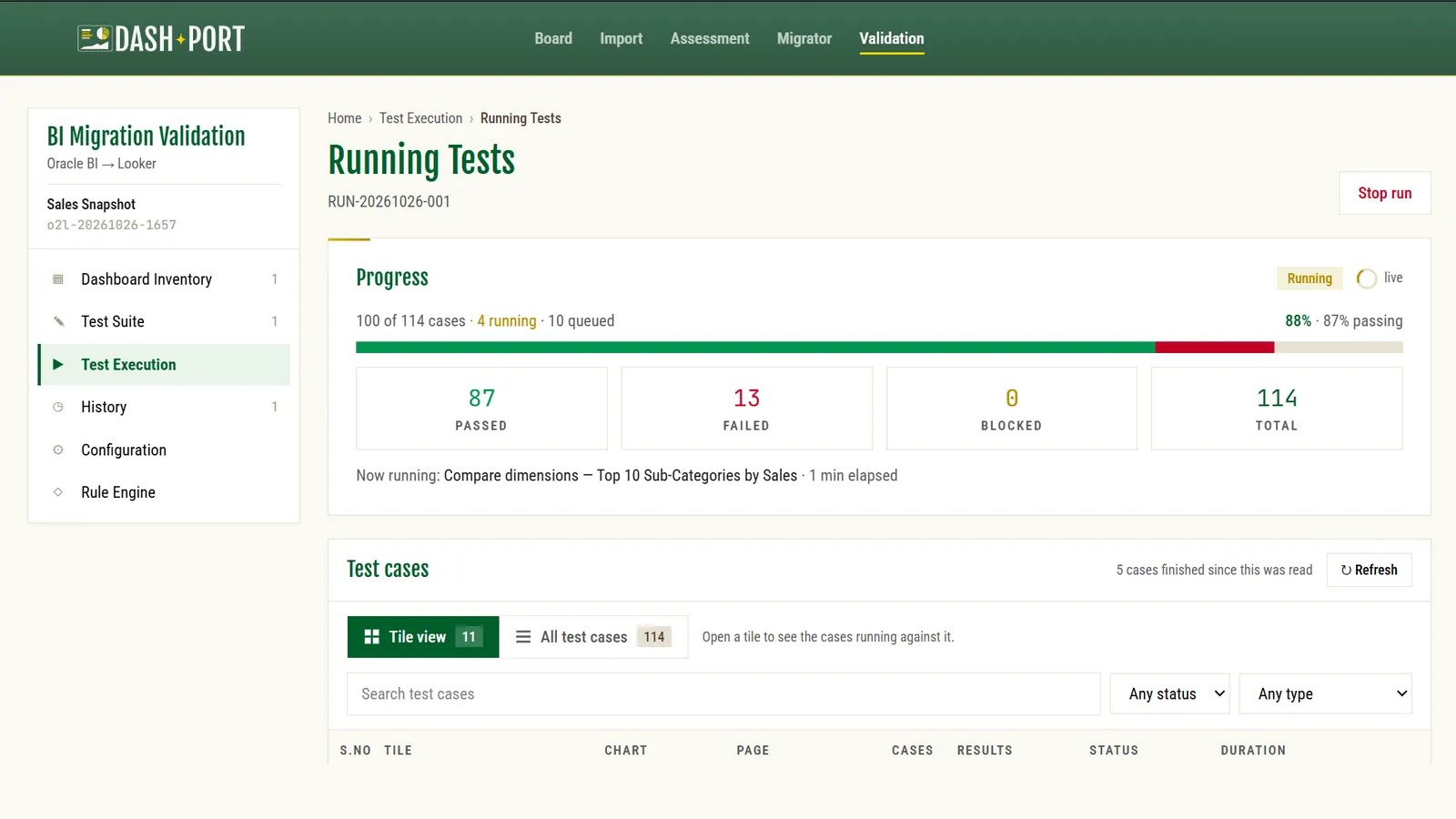
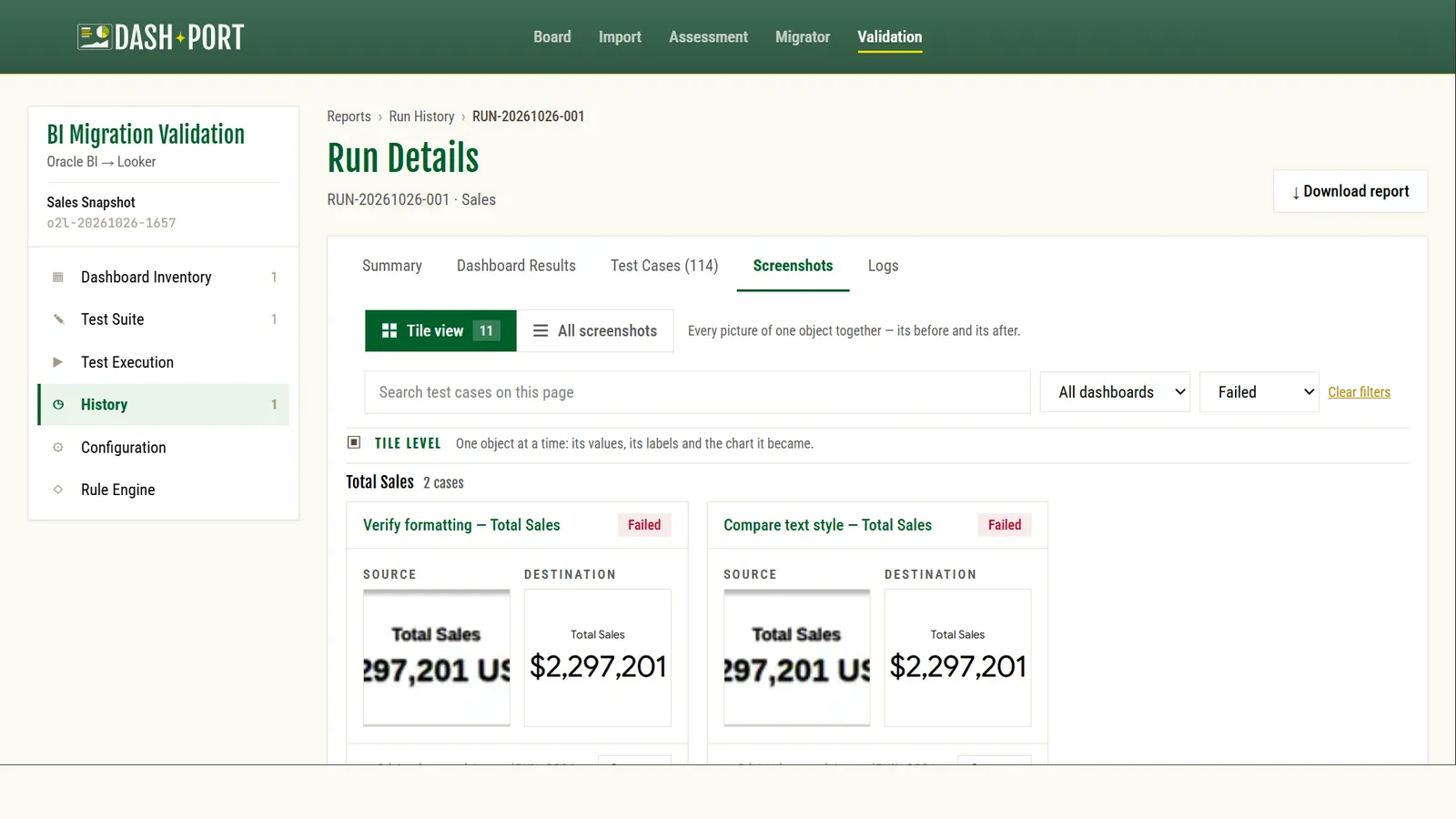
Automated validation on UI, data models, calculations, metrics, and KPIs.
Cutover confidence is built into the plan instead of pushed to the end.
BI consumers are pulled into long review and signoff loops.
Consumer teams see focused exceptions and validation evidence.
Scarce stakeholder time is used only where judgment is needed.

How DASHPORT moves BI estates into Looker.

Four governed stages, from first inventory to signed-off parity. Automation carries the volume; people own the exceptions.

  1. Assess

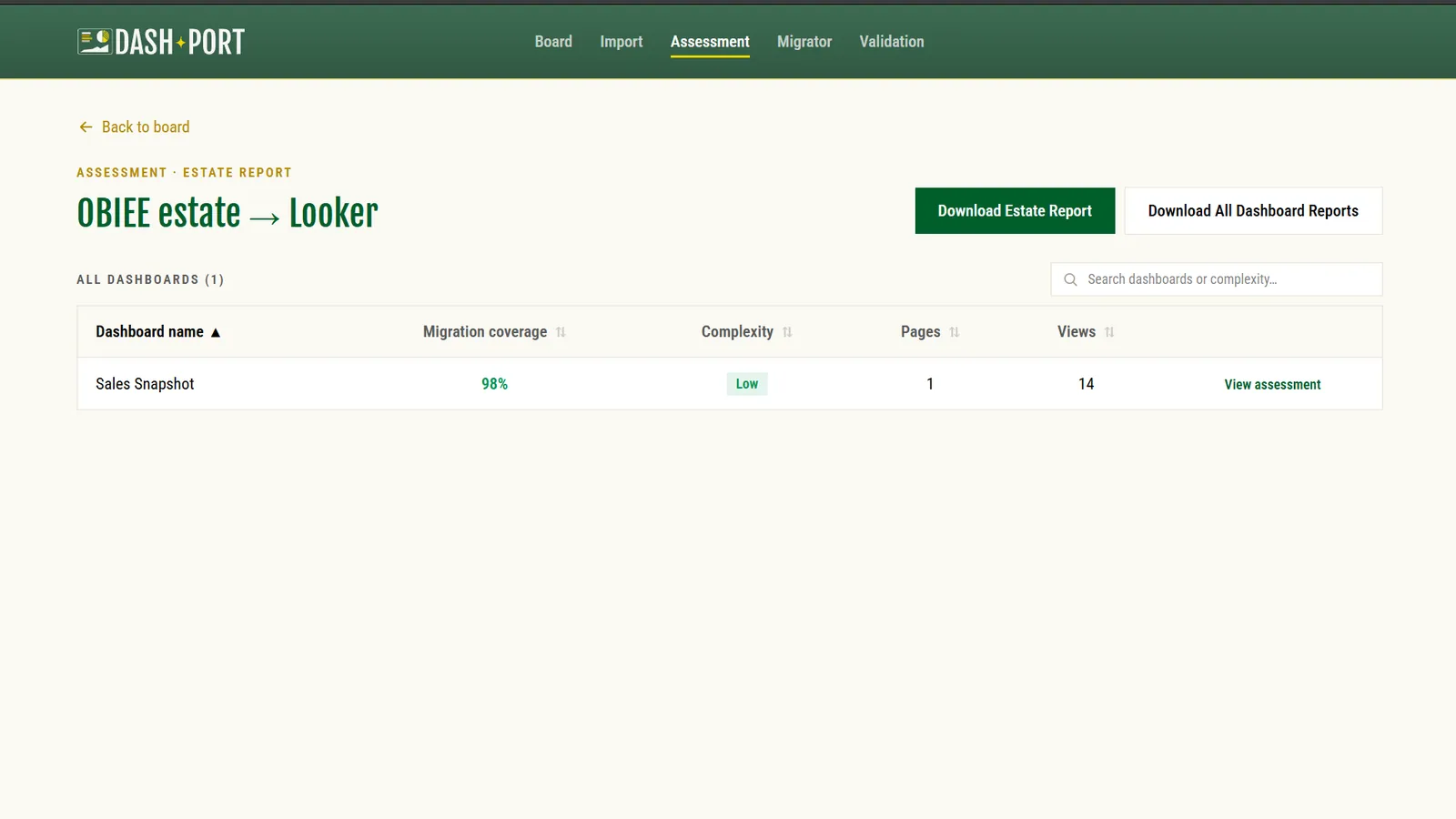
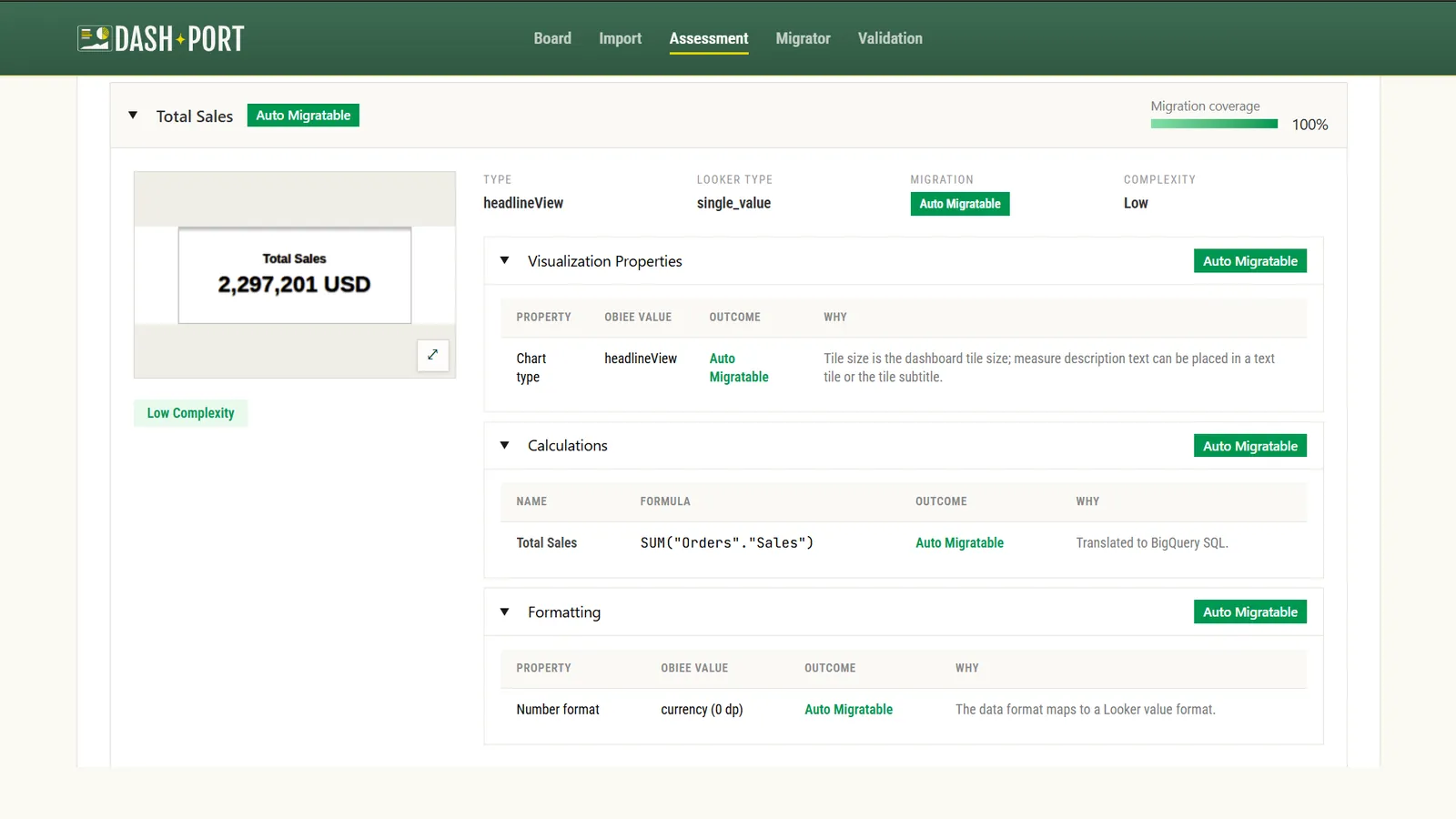
    Connect source BI systems, ingest dashboards and reports, read metrics, filters, and joins, and map calculations and dependencies.

    Effort and risk scored per asset
  2. Decide

    Recommend what to keep, refactor, migrate, and sunset, and surface dead inventory and duplicate reporting.

    Keep / refactor / migrate / sunset
  3. Migrate

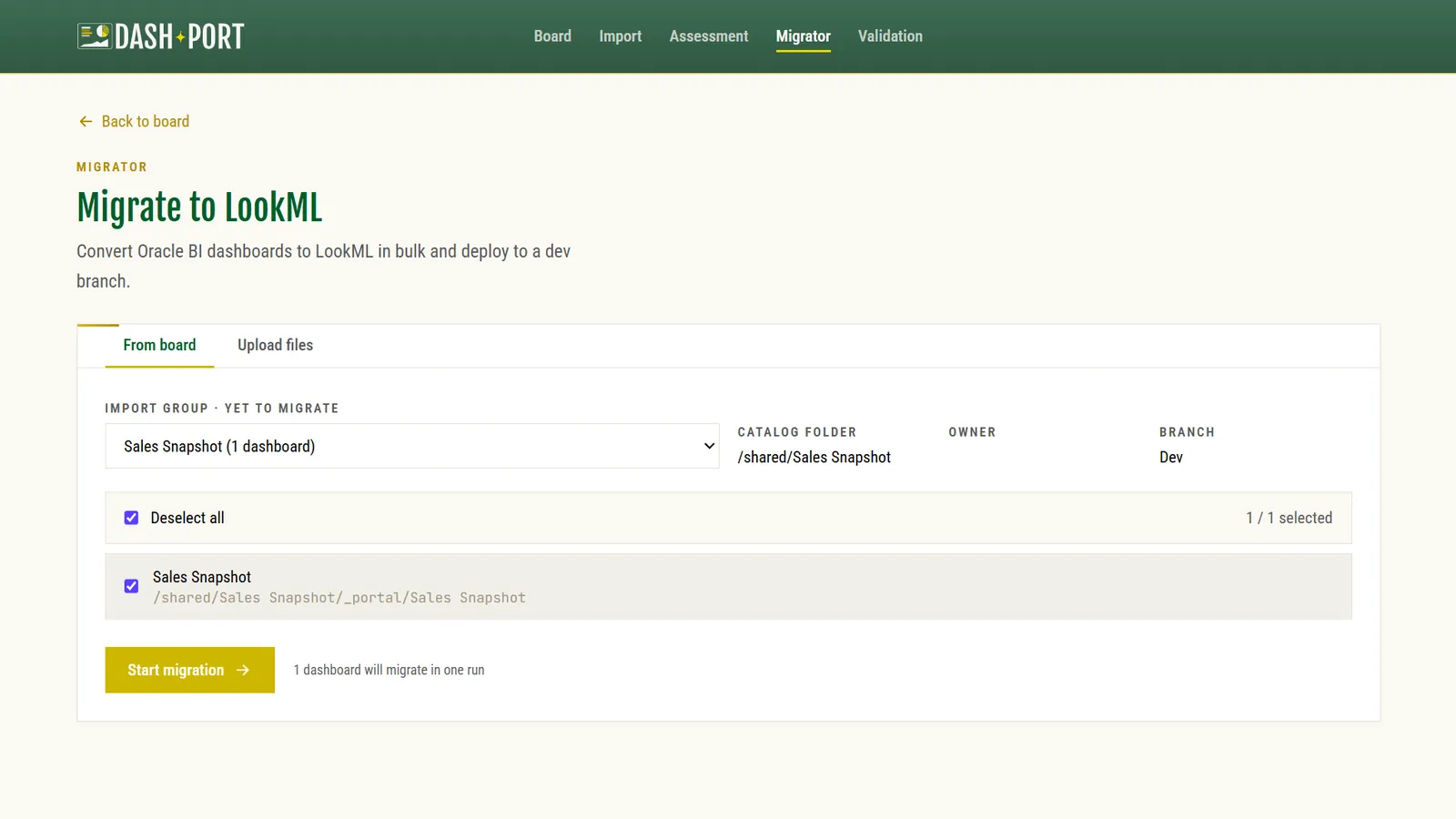
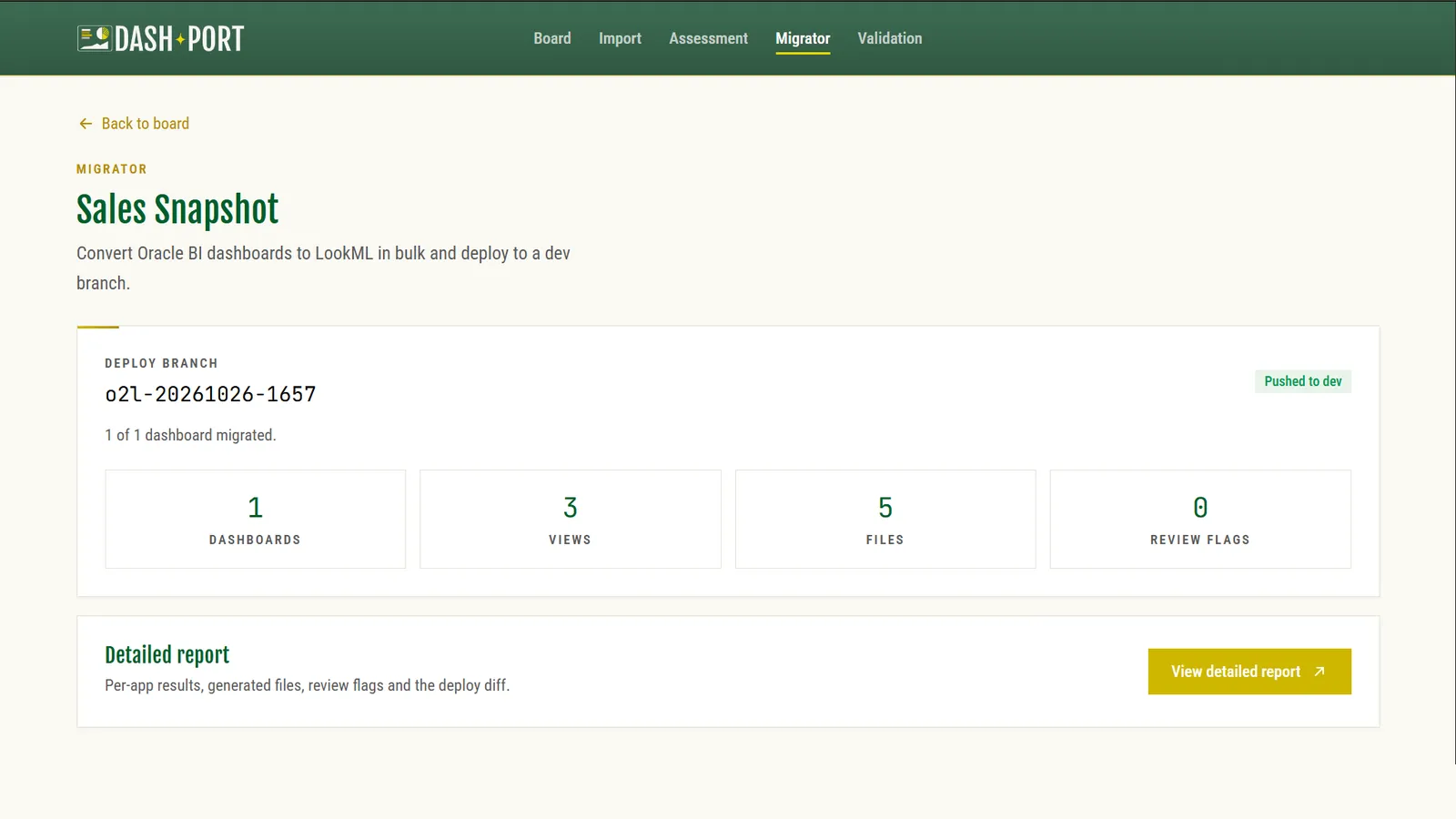
    Generate Looker-ready models, views, and dashboards, track generated files and review flags, and keep humans on exceptions and business logic.

    Looker-ready models generated
  4. Validate

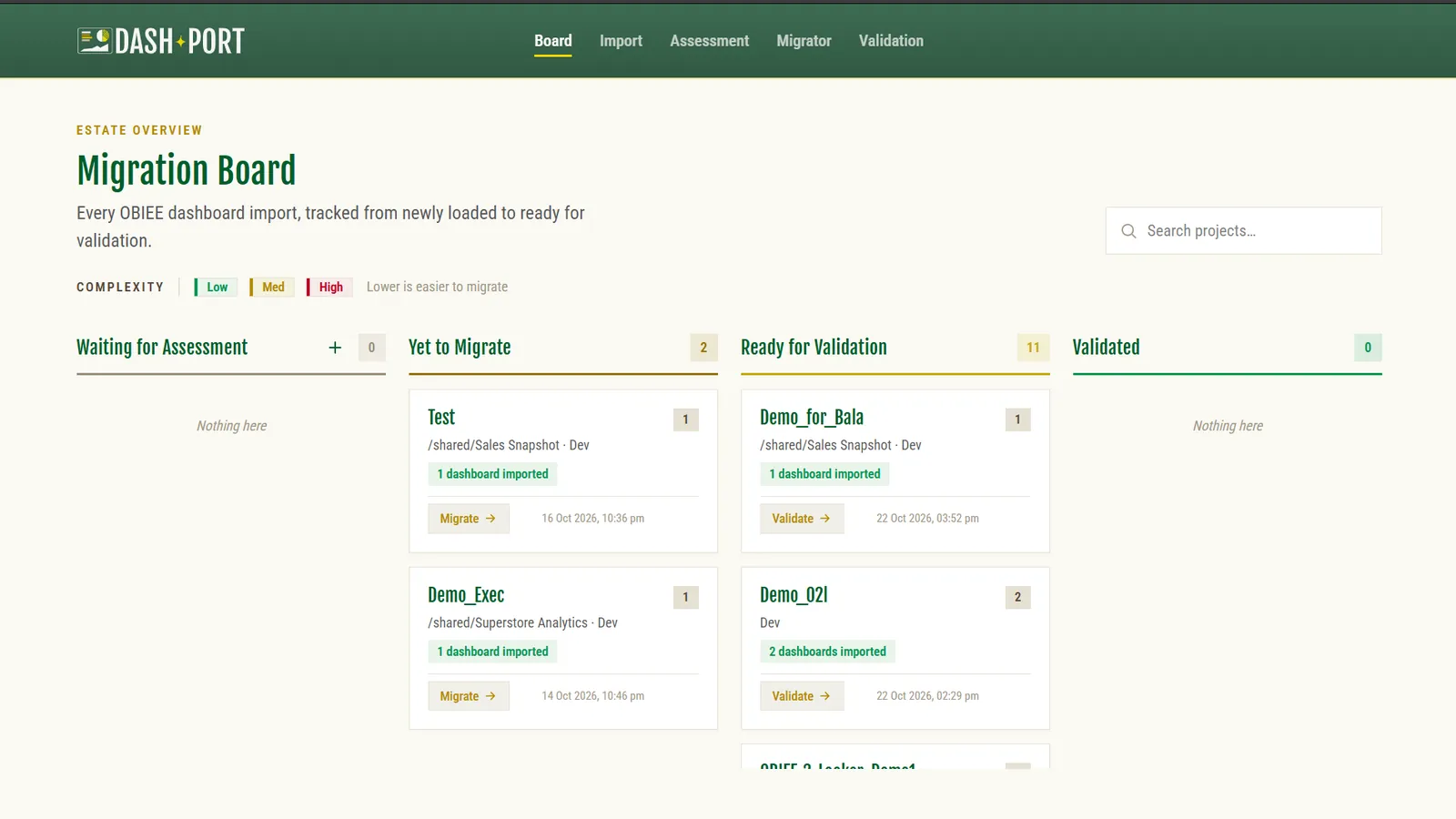
    Check the full estate, validate UI parity, data models, calculations, KPIs, and data consistency, then review exceptions before signoff.

    Automated validation
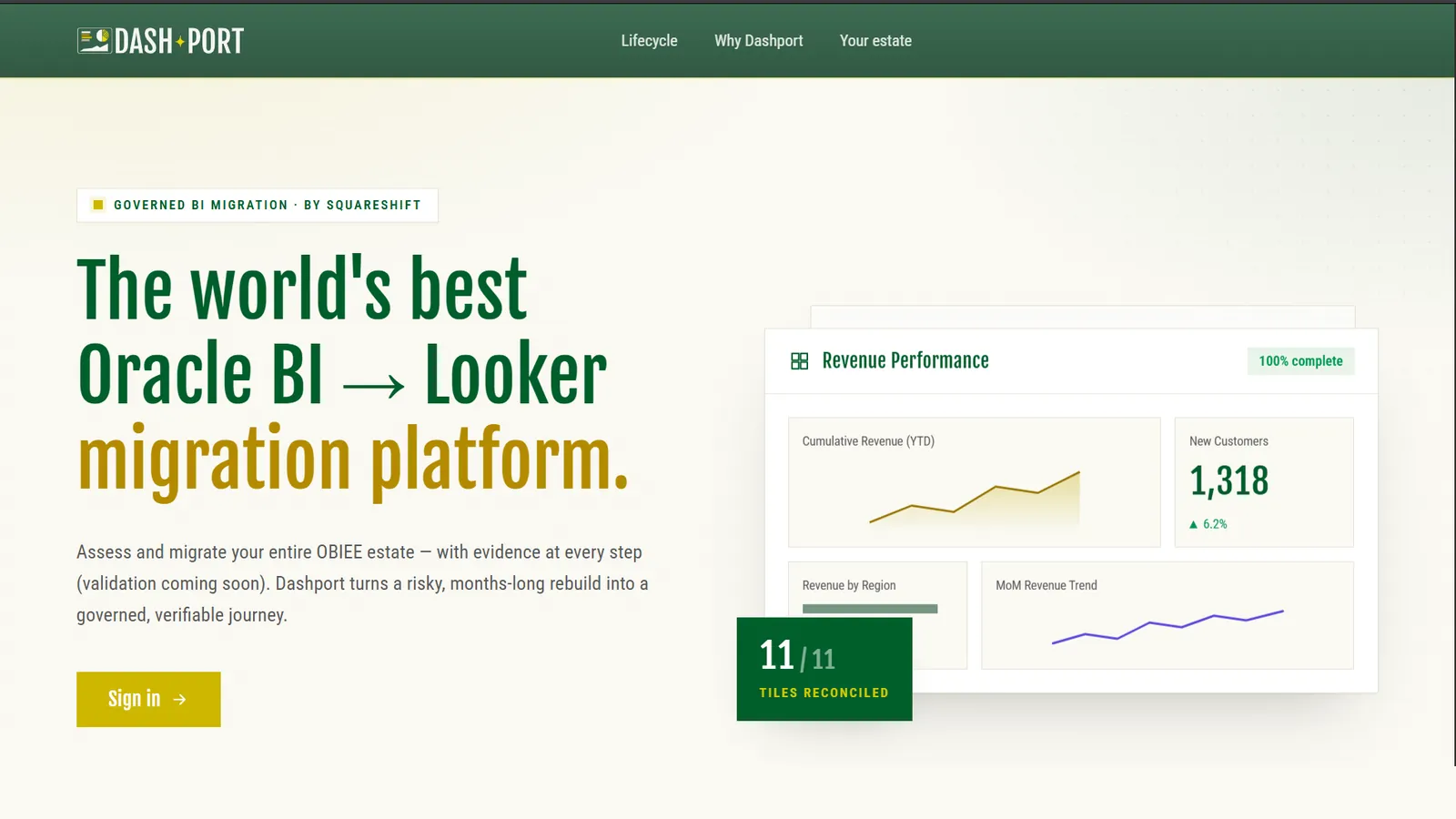
Get a free 48-hour migration assessment before you rebuild anything.

DASHPORT scans the estate, exposes migration risk, and gives you the roadmap before the program starts.

What you leave withAssessment pack, migration roadmap, and proof plan.

What the assessment includes

  • Source-system inventory
  • Warehouse dependency map
  • Data-model complexity score
  • Report and dashboard complexity score
  • Business-logic risk flags
  • Keep, refactor, migrate, and sunset list
  • Migration waves and quick wins
  • Blockers and manual-review items
  • Cutover-risk view
  • DASHPORT versus manual estimate
  • Validation coverage plan
  • 2-week POC plan for 10 key assets

2-week POC plan for 10 key assets

Week 1Pick 10 key assets, assess them, and generate the Looker-ready models, views, and dashboards.
Week 2Validate UI, data models, calculations, metrics, and KPIs, then review exceptions with the owners.

Credentials

Partner proof behind the work.

The migration method is supported by SquareShift's Google Cloud, Looker, analytics, and applied-AI delivery experience.

  • Google Cloud Premier Partner badgeGoogle Cloud Premier Partner
  • Looker Consulting Partner badgeLooker Consulting Partner
  • Google Cloud Data Analytics specialization badgeData Analytics Specialization
  • Google Cloud Machine Learning specialization badgeMachine Learning Specialization
  • Google Cloud Generative AI partner badgeGoogle Cloud Generative AI

Best fit

This is right for you if you are moving a serious BI estate into Looker.

Source migrations

  • Power BI to Looker
  • Tableau to Looker
  • Cognos to Looker
  • Domo to Looker
  • WebFOCUS to Looker
  • MicroStrategy to Looker
  • Qlik to Looker

Real migration needs

  • Switch off the old platform without breaking trust.
  • Use automation to move fast and control cost.
  • Get assurance on output quality.

Looker migration questions

What is DASHPORT?
DASHPORT is SquareShift's platform for moving a BI estate into Looker. It assesses the source system, generates Looker-ready models, views and dashboards, and validates the result. People review the exceptions. For a longer read, see our ultimate guide to Tableau to Looker migration.
Which source systems does DASHPORT cover?
Tableau, Power BI, MicroStrategy, Qlik, Domo, Cognos, WebFOCUS, and other legacy BI estates where metadata, reports, dashboards, and logic can be assessed for Looker migration.
Is DASHPORT fully automated?
No. It uses automation where work is repeatable and human review where logic, exceptions, and rollout decisions need judgment.
What does automated validation cover?
It means the estate is validated across the agreed migration checks, including UI, data model, calculations, metrics, KPIs, SQL-level logic, and data consistency. Exceptions are reviewed before signoff.
Does everything move as-is?
No. The assessment separates what to keep, refactor, migrate, and sunset. Migrating unused or duplicate dashboards adds cost without adding value.
What happens after the 48-hour assessment?
You get the assessment pack, roadmap, validation plan, and DASHPORT-assisted delivery estimate. From there, SquareShift can run the migration in governed waves. For the Looker work around the migration, see our Looker consulting.
How long does a BI migration to Looker take?
It depends on the size of the estate. The free 48-hour assessment gives you the roadmap, the migration waves and a DASHPORT versus manual estimate.
Can we migrate only some dashboards?
Yes. The assessment separates what to keep, refactor, migrate and sunset, so unused or duplicate dashboards stay behind. It also includes a 2-week proof-of-concept plan for 10 key assets.
What is a free 48-hour migration assessment?
It is the first step of our BI migration services. DASHPORT scans your estate, exposes migration risk, and gives you an assessment pack, a migration roadmap and a proof plan before the program starts.
Free 48-hour assessment

Ready for the 48-hour migration assessment?

Send us the BI estate you want to move. We will show you the migration risk, roadmap, and proof plan.