
A Looker health check evaluates instance configuration, performance, security, and data practices. This process identifies and fixes inefficiencies. It ensures Looker delivers accurate analytics. Organizations use health checks to maintain operational efficiency, meet security standards, and support data-driven decisions.
Reasons to Perform a Looker Health Check
Health checks prevent performance drops and security risks. They protect system integrity and user experience. Perform checks when data volume, user activity, or system updates increase.

Function of a Looker Health Check
A Looker health check verifies system status and configuration compliance.
- Confirm peak operational performance,
- Validate security and best-practice alignment,
- Optimize data workflows for analytics efficiency
- Identify and resolve bottlenecks.
- Validate that the instance configuration meets current business needs.
Key benefits of regular Looker health checks
- Improved system performance: Health checks optimize Looker infrastructure. They reduce query run times and data load bottlenecks. Improved content management streamlines report delivery and increases data access speed.
- Data security and compliance: Health checks review Looker user management. They enforce strong security policies, such as two-factor authentication (2FA) and secure data access configurations. This ensures compliance with internal and external regulations.
- Lower operating costs. Looker health checks identify unused resources. They detect stale connections and legacy features. Optimizing caching strategies and persistent derived tables (PDTs) reduces redundancy. Teams free up budget for new initiatives.
- Improve data accuracy and usability. Looker health checks review LookML structure. They validate modeling best practices. Well-organized models ensure data consistency. Users make informed decisions based on reliable insights.
- Increase team productivity. Health checks remove unused dashboards. They fix broken content and optimize schedules. This creates an organized data environment. Teams access actionable insights faster.
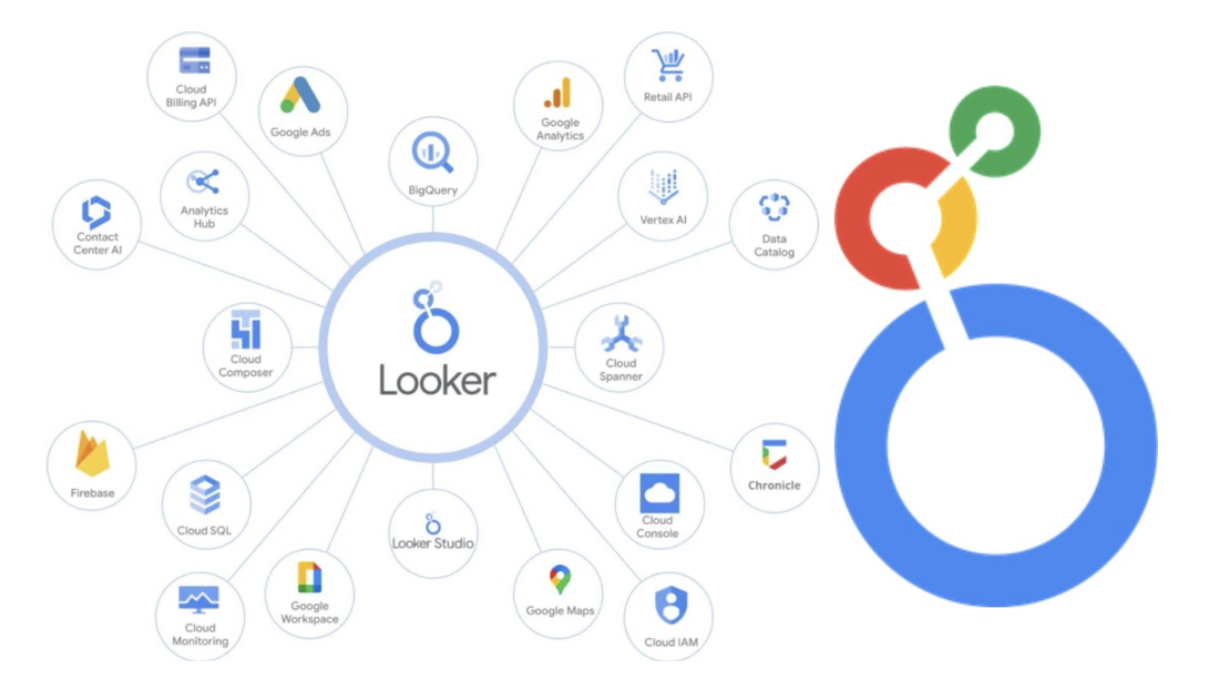
What a Looker Health Check Covers: Components
The following list details the areas covered in a Looker health check. It reflects the findings in the document:
Instance Management: Updates Looker to the latest version to ensure compliance, access new features, and apply fixes.
User Management: Validates two-factor authentication, removes inactive users, and verifies user attributes to enforce access controls.
Connection Management: Validates active connections, removes unused connections, and optimizes Persistent Derived Table (PDT) configurations to improve query performance.
Error Management: Identifies and resolves Persistent Derived Table (PDT) and query failures to prevent system performance degradation.
LookML & Modeling Standards: Enforces naming conventions, defines primary keys, and organizes explorers to improve usability and maintainability.
Content & Performance Management: Remove unused reports and dashboards. Review query execution times. Apply caching settings to reduce load times and resource usage.
Alerts & Schedule Management: Monitor scheduled reports for failures or excessive execution times. Ensure timely, error-free data delivery.
Conclusion
Regular Looker health checks provide essential insights into instance performance, security, and usability. Implementing recommended actions ensures a well-organized, secure, and efficient environment tailored to business analytics needs. Routine assessments support a reliable data environment. This allows teams to focus on data-driven outcomes. Schedule a hands-on consultation for a Looker health check.
See our Looker support consulting for help with a health check.
Related guides: optimizing Looker performance for large-scale data workloads and how Looker brings scalable governance to marketing teams.