
Artificial Intelligence (AI) changes how professionals handle productivity, creativity, and problem-solving. The market contains many AI tools. It is difficult to identify which tools provide clear value. This list of 50 essential tools helps you optimize workflows and improve efficiency in a changing technical environment.
Top 50 AI Tools for Professionals: Overview
The AI tool market grows rapidly. It is difficult to identify tools that improve productivity and creativity. Whether you are a data scientist, software engineer, content creator, or marketer, the right AI tools help you stay competitive. They also streamline your workflow.
This guide lists 50 AI tools for professional use, in 10 groups: writing and content creation, coding, image design, video creation and editing, presentations and slides, social media management, task management and productivity, recruitment and resumes, meetings, and customer support. The tools cover content creation, coding, customer support, and video production. They improve efficiency and reduce task time. They support performance in a changing digital environment.
AI Tools for Writing and Content Creation
Efficient content generation is essential for many professionals. These tools create accurate content. They reduce effort and improve output quality.
1. ChatGPT
ChatGPT generates text responses that mimic human writing. It supports content creation, idea generation, research, and topic simplification. The interface is intuitive. Users create articles, blogs, and emails. It serves as a useful assistant for writers and professionals.
2. Writesonic
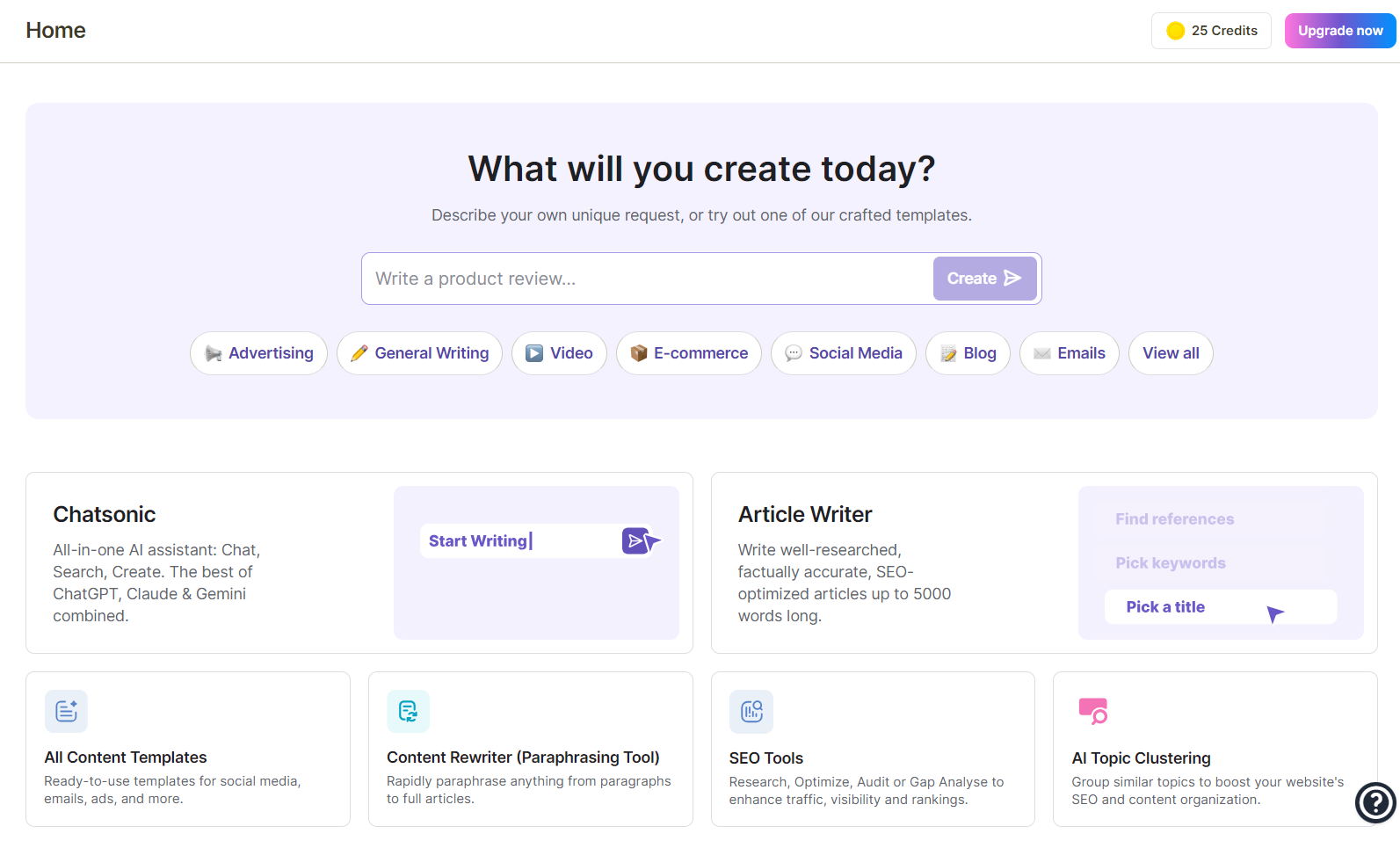
Writesonic generates SEO-optimized content, including blogs, ads, and social media posts. It uses GPT-4 technology to produce research-based, keyword-rich text. Voice command features support rapid content creation for marketers and business owners.
3. GrammarlyGO
GrammarlyGO is an AI writing assistant that improves content through edit suggestions, tone adjustment, and plagiarism checks. It integrates with Microsoft Word and Google Docs. This tool helps writers produce clear, grammatically correct content efficiently.
4. Rytr
Rytr generates short-form content, including emails, social media posts, and product descriptions.
Key features:
- User-friendly interface
- Built-in templates
- Multilingual support
Rytr improves efficiency and maintains content quality for businesses and freelancers.
5. Jasper
Jasper creates SEO-optimized blogs, advertisements, and emails using AI.
Key features:
- Multiple tone options
- Time savings for marketers
- High-quality, audience-tailored messaging
Top AI Tools for Coding
AI tools simplify coding, debugging, and documentation for developers.
Top selections:
6. GitHub Copilot: Code Generation Assistant
GitHub Copilot generates code based on natural language prompts. It offers autocomplete suggestions and code snippets. The tool uses OpenAI Codex. It supports multiple programming languages. It integrates with Visual Studio Code. It reduces coding time and increases efficiency.
7. BlackBox: Search and Code Generation Tool
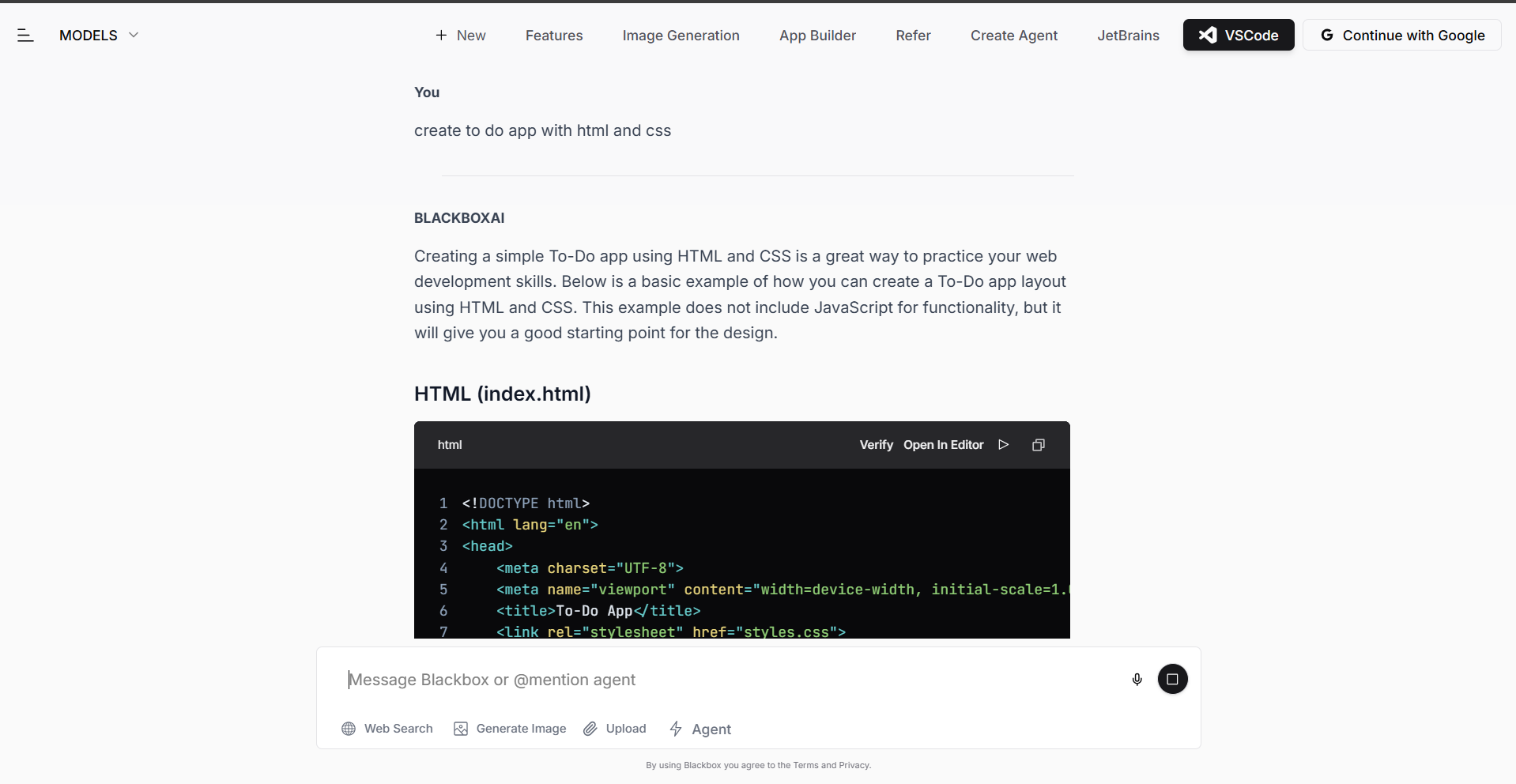
BlackBox assists developers in writing code and finding optimal snippets. Users request solutions or functions in plain language. The tool inserts answers directly into the coding environment. This approach accelerates product development.
8. Figstack: AI Application Builder
Figstack simplifies code documentation and comprehension. It performs these functions: Translates code across languages. Generates code explanations. Accelerates codebase analysis. Integration with development environments improves workflow efficiency and productivity.
9. Bubble
Bubble enables no-code web application development. The drag-and-drop editor facilitates intuitive construction. Features include: Database integration. Third-party API connection. This tool suits entrepreneurs and businesses that require rapid, custom solutions.
10. Cody by Sourcegraph
Sourcegraph developed Cody to enhance code search and debugging. It analyzes the full codebase. Functions include: Generation of suggestions. Responses to code queries. Code optimization support. Contextual solutions improve team collaboration. It suits large-scale projects.
AI Tools for Image Design
These tools generate and edit visuals for creative workflows:
11. Midjourney
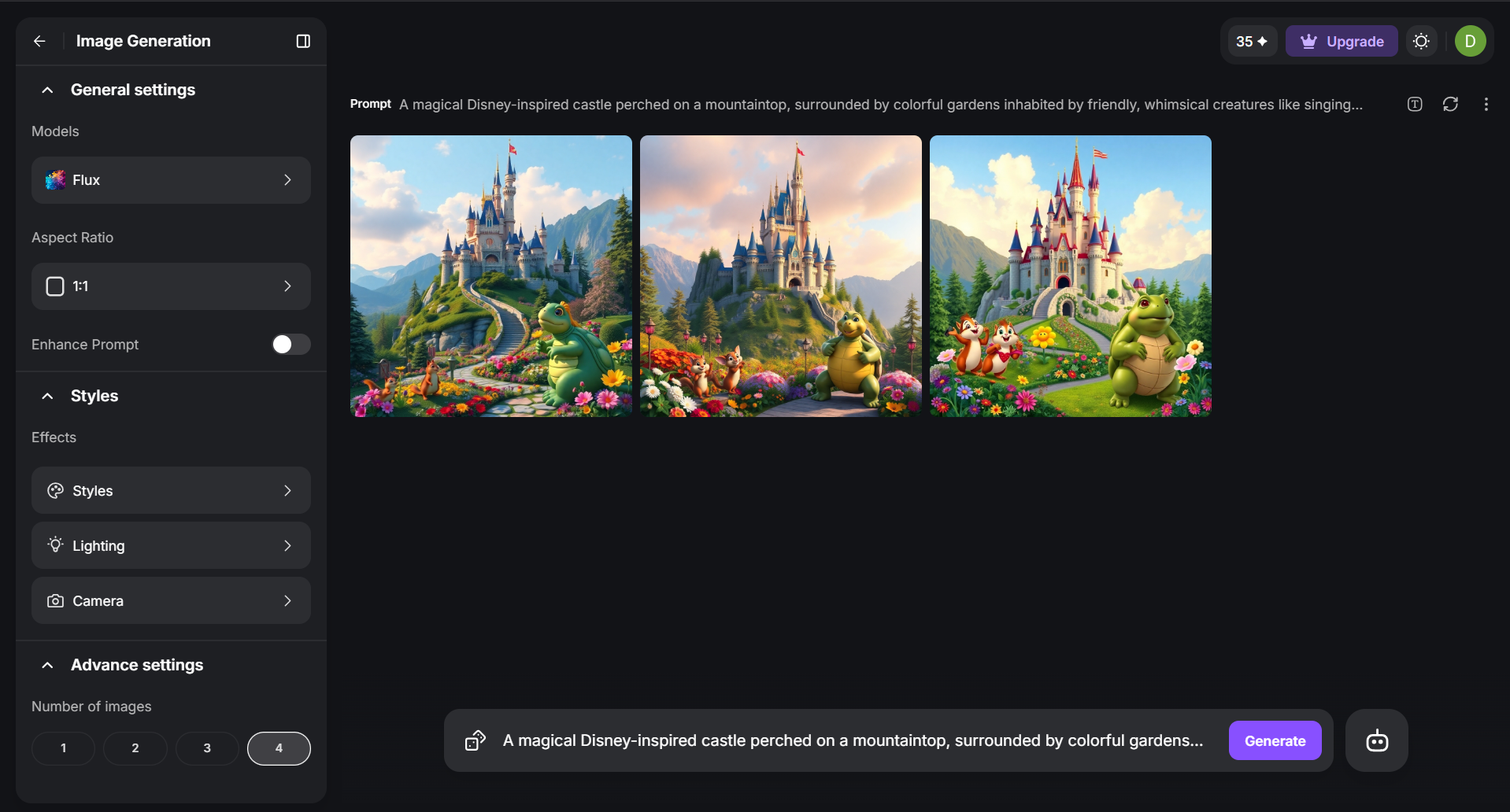
Midjourney generates detailed images from text prompts. Users select artistic styles and create illustrations or web designs. The platform uses Discord for community collaboration. Digital artists often use this tool for visual development.
12. DALL·E 3
DALL·E 3 generates photorealistic, detailed images from text prompts. It produces accurate visuals with high artistic quality. Professionals in marketing, branding, and design use it to convert concepts into visual assets.
13. Stockimg.ai
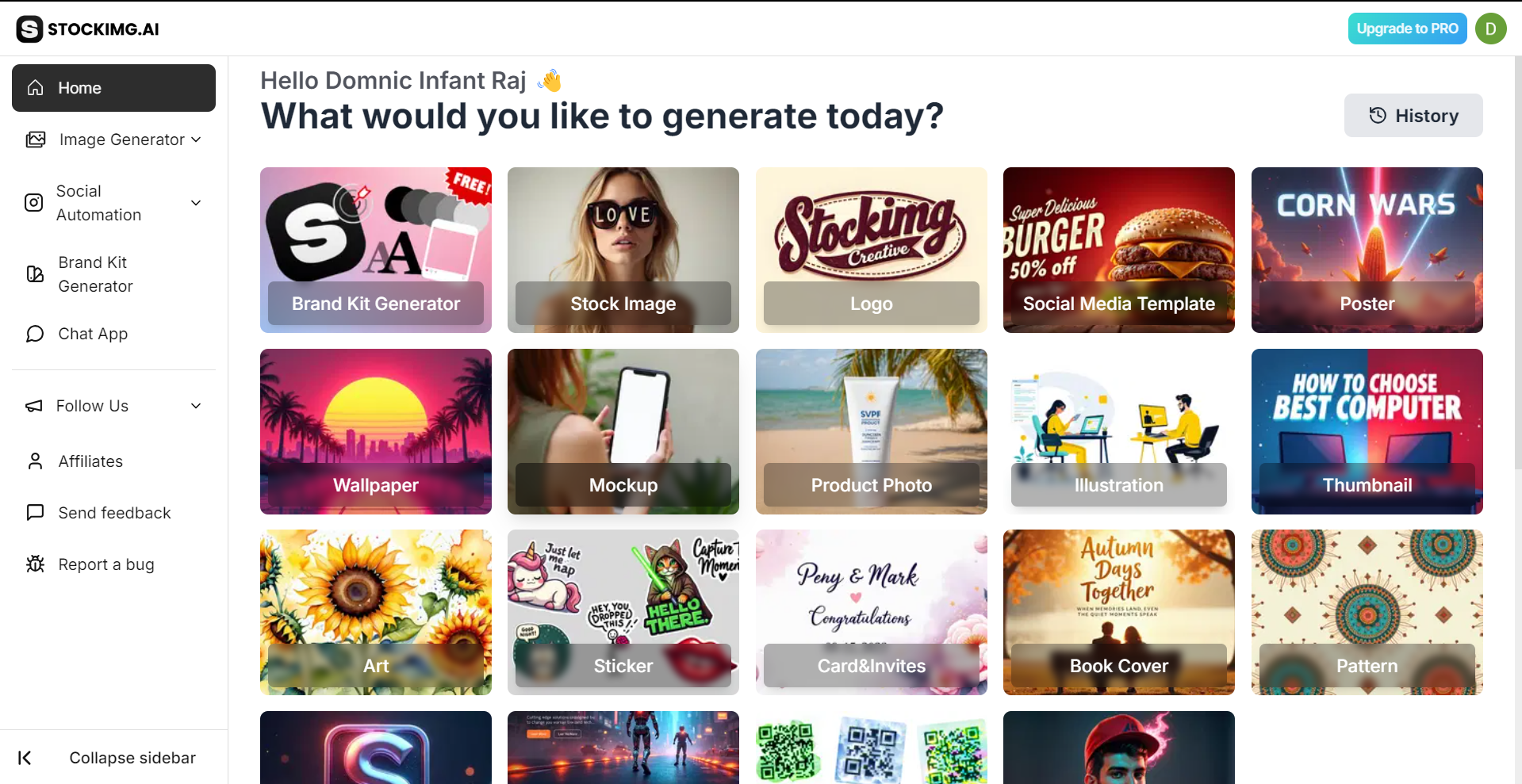
Stockimg.ai is an AI image generation tool. It creates stock photos, logos, and posters. Businesses use it for rapid, high-quality design. Users input text descriptions to customize outputs. Content creators and marketers use it for efficient content production.
14. Bria
Bria produces custom, ethically generated visual content using AI. It serves teams, enterprises, and creatives. Users adjust facial expressions, clothing, and design elements. It supports marketing content creation while maintaining control over artistic direction.
15. Canva Magic Studio
Canva Magic Studio combines AI capabilities for design creation, template generation, and visual animation. It serves marketers and creators by simplifying the process to produce professional content efficiently.
AI Tools for Video Creation and Editing
Develop professional video content with the following AI tools:
16. Synthesia
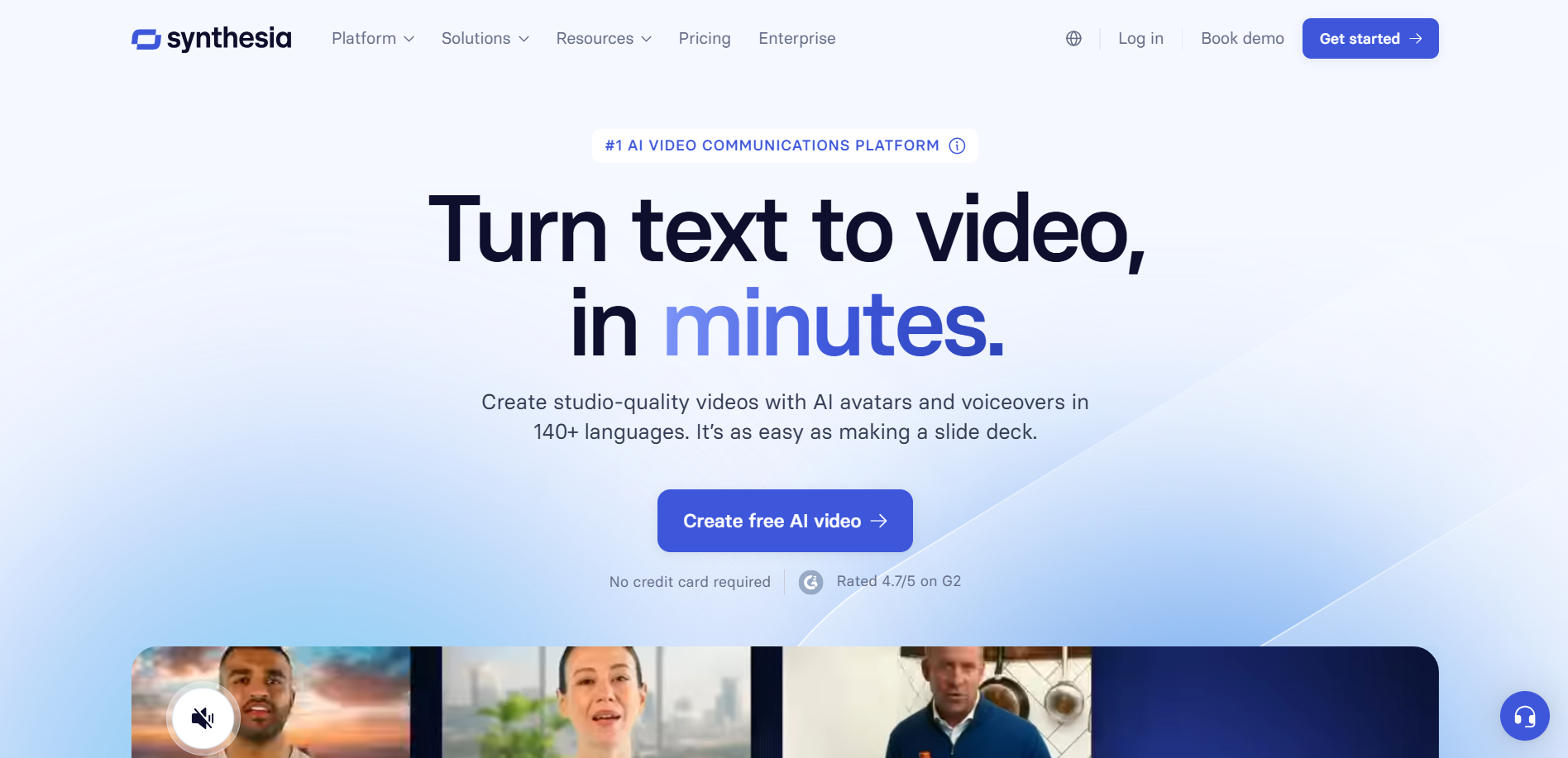
Synthesia converts scripts into high-quality AI videos using lifelike avatars. Key features:
- Supports 120+ languages
- Enables localized video creation for global audiences
- Ideal for sales, marketing, and training
- User interface streamlines video production and reduces cost
17. Runway
Runway provides AI tools for video editing. Features include:
- Text-to-video generation
- Motion effects
- Inpainting
This platform supports filmmakers and content creators. It facilitates cinematic-quality video production with an intuitive interface.
18. Fliki
Fliki converts text into video and audio content. Key capabilities:
- Offers 1,000+ voices in 75 languages
- Generates AI voiceovers for narrative content
- Includes an extensive library of stock images and video clips
- Allows users to produce professional content without video editing skills
19. Pictory
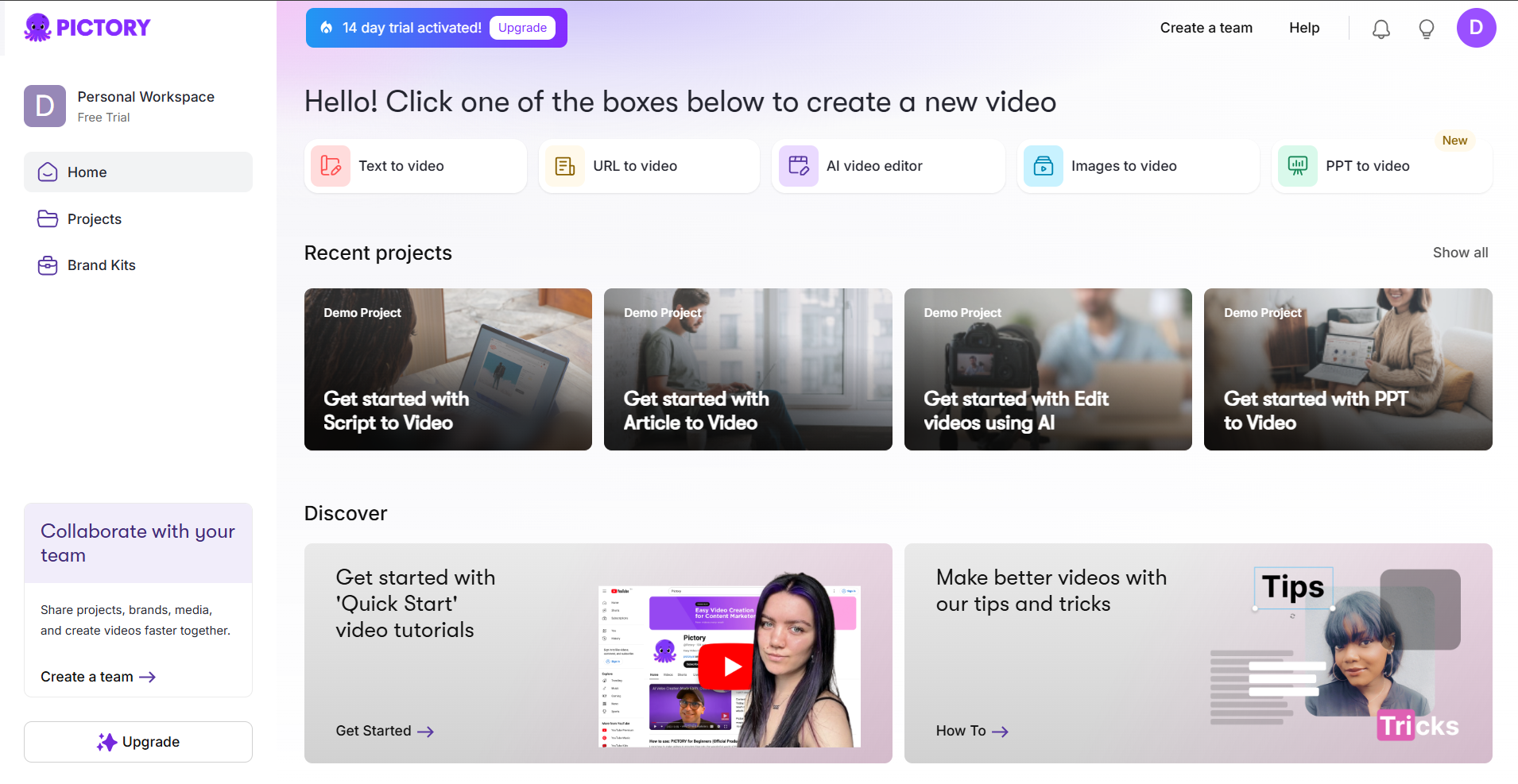
Pictory converts long-form text into short videos. It targets social media and marketing. The tool repurposes written content. AI generates visuals to increase audience engagement.
20. Wondershare Filmora
Filmora combines video editing with AI tools. It includes noise reduction, background removal, and auto-reframe. It serves content creators and video professionals.
AI Tools for Presentations and Slides
Presentation tools that create professional slides with minimal effort:
21. Gamma
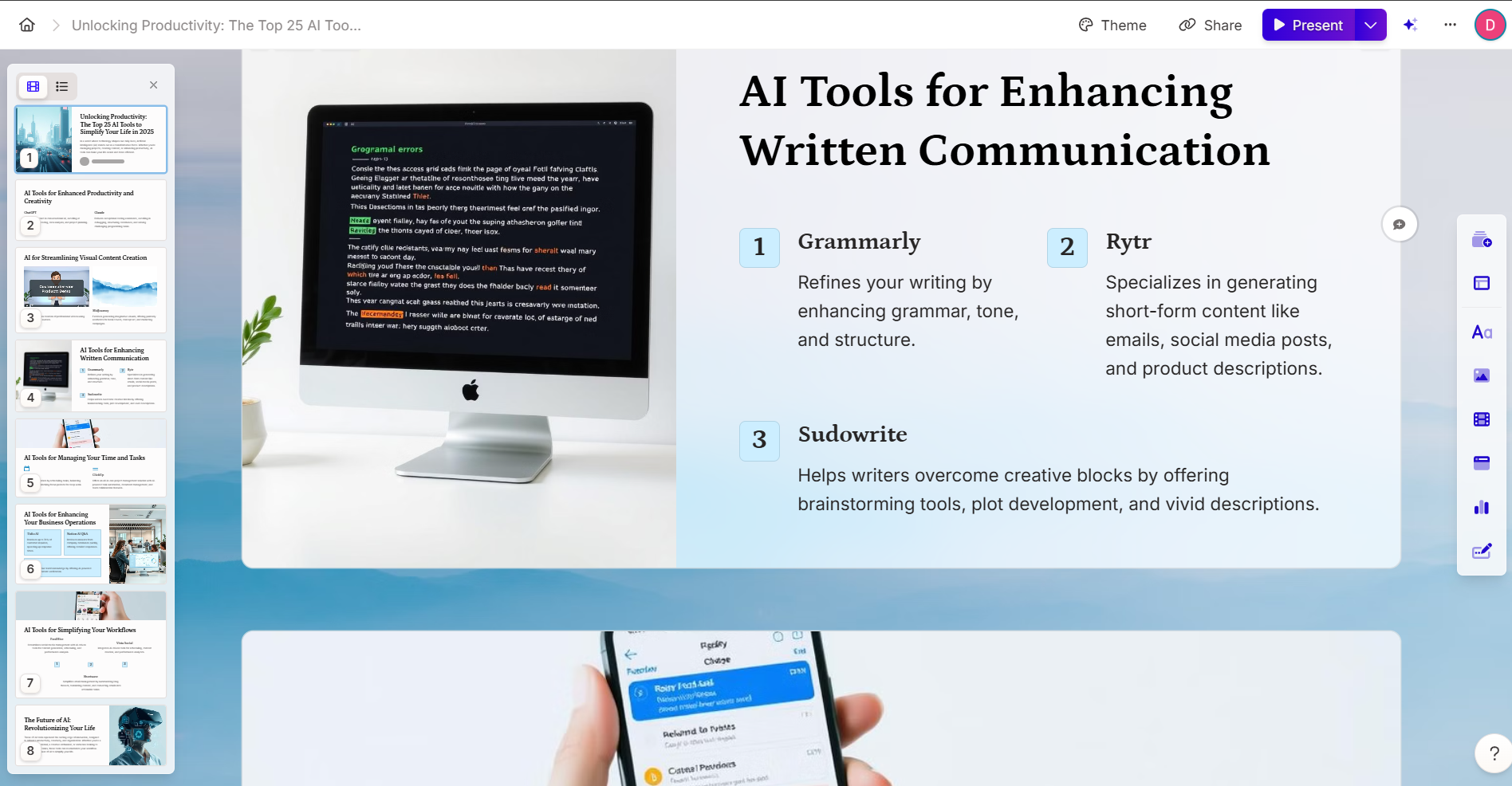
Gamma converts text into professional presentations. AI tools handle design and formatting. Automated slide generation reduces production time. Gamma supports business meetings, pitches, and urgent projects. Output remains polished and clear.
22. Tome
Tome builds narrative-driven presentations. AI structures content and adds visuals. It designs layouts automatically. Tome supports business and educational use. The tool saves time on design while keeping the message clear.
23. Beautiful.ai
Beautiful.ai simplifies presentation design through AI-driven templates and intuitive customization.
- Automatically adjusts layouts for professional slides
- Supports non-designers by focusing on content
- Maintains polished visual standards
24. Presentations.ai
Presentations.ai generates slide decks using AI-based formatting and visual suggestions.
- Converts user input into business or creative slides
- Reduces design time for high-quality results
- Supports fast workflow requirements for professionals
25. Canva Magic Studio
Canva Magic Studio creates animated, interactive slides. Magic Eraser and Magic Design simplify edits. The tool suits user levels ranging from beginner to expert. It produces professional-quality presentations.
Social Media Management
Create and manage social media campaigns with these tools:
26. FeedHive
FeedHive streamlines social media management. It generates content suggestions, hashtags, and post schedules. The tool analyzes audience engagement via AI. This process increases reach and effectiveness. FeedHive supports collaborative work. It manages multiple social media accounts.
27. Vista Social
Vista Social is a social media management platform. It supports content creation, scheduling, and performance tracking. Features include AI-generated captions, analytics, and post previews. Marketers use Vista Social to streamline strategies and engage audiences across platforms.
28. Hootsuite Insights
Hootsuite Insights applies AI to analyze social media performance and audience behavior. It provides insights on engagement, trends, and content performance. AI-driven suggestions optimize posting schedules and content. This supports campaign management and measurement.
29. SocialBee
SocialBee schedules social media posts for creators and businesses. It organizes content, creates posts, and automates distribution across platforms. Its analytics track performance. You can adjust strategies and improve engagement.
30. Lately
Lately converts long-form content into social media posts. It generates captions from content analysis. It optimizes copy for each platform. Its machine learning algorithms increase engagement. It saves time for marketers.
AI Tools for Task Management and Productivity
These tools organize work and improve productivity:
31. Reclaim
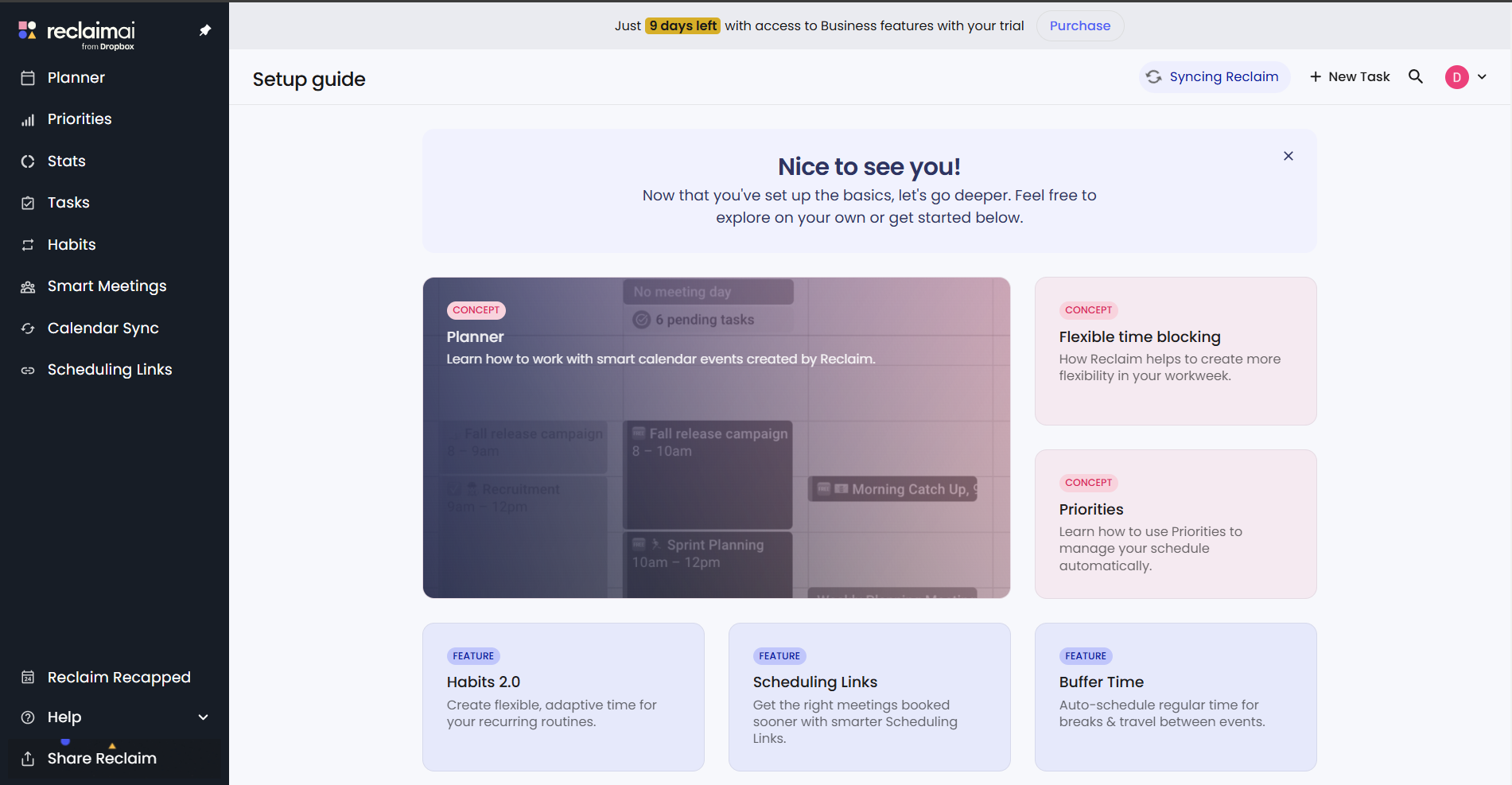
Reclaim automates calendar optimization.
- Schedules tasks and balances meetings.
- Blocks focus periods for deep work.
- Uses AI to reduce scheduling conflicts.
- Increases time efficiency and productivity.
This tool suits professionals with complex schedules and multiple priorities.
32. ClickUp
ClickUp provides an all-in-one project management platform.
- Automates tasks with AI.
- Manages documents and team collaboration.
- Adapts to projects of any size.
- Streamlines workflows and communication.
- Enhances team productivity.
This solution supports individual tasks and large-team initiatives.
33. Asana
Asana integrates AI capabilities to streamline project management.
- Smart Status generates automated progress summaries.
- The tool tracks milestones and aligns team collaboration.
- These features help deliver projects on schedule.
34. Motion
Motion converts large task lists into optimized project plans.
- AI sequences work to reduce planning overhead.
- The tool supports focused execution and output.
35. Clockwise
Clockwise uses AI to optimize calendar management.
- The tool allocates time for meetings and deep work.
- It balances professional and personal commitments automatically.
- This structure reduces manual scheduling effort.
AI Tools for Recruitment and Resumes
These tools improve hiring processes. They enhance candidate matching and streamline workflows.
36. Teal
Teal optimizes resumes by analyzing job descriptions. It provides tailored suggestions. This aligns applications with recruiter expectations. Teal offers real-time feedback. This ensures resumes highlight relevant skills and experience. Users can increase their interview rates in competitive markets.
37. Kickresume
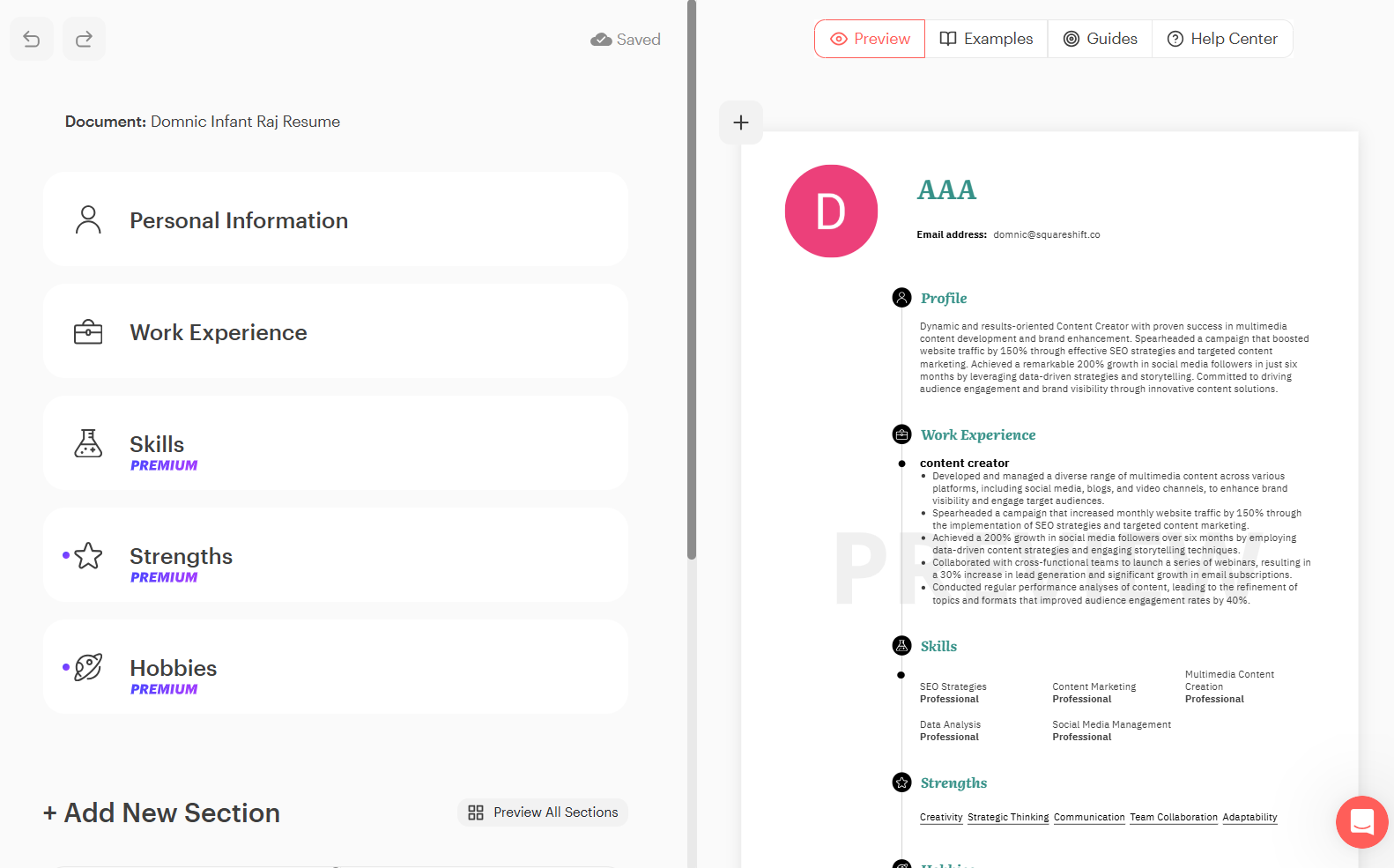
Kickresume pairs machine learning with customizable templates. It generates tailored resumes and cover letters. The system analyzes role-specific requirements. This process highlights candidate qualifications. The tool reduces drafting time for job seekers.
38. HireVue
HireVue analyzes video interviews using AI. It evaluates communication skills, tone, and body language. The algorithms produce data-driven insights. These insights support recruiter decision-making. The system automates initial screenings. This process reduces review time. It standardizes candidate evaluation.
39. SeekOut
SeekOut uses AI to search diverse talent pools. It identifies candidates based on specific skills and experience. The tool highlights underrepresented talent. This function supports equitable hiring practices. Enterprise recruitment teams use SeekOut to improve candidate diversity.
40. Pymetrics
Pymetrics applies neuroscience-based AI assessments to match candidates with roles. It analyzes cognitive and emotional attributes to optimize skill alignment. This process improves candidate satisfaction and reduces hiring bias.
AI Tools for Meetings
These AI tools convert meeting data into actionable insights.
41. Fireflies.ai
Fireflies.ai records, transcribes, and summarizes meetings.
- Integrates with Zoom and Microsoft Teams.
- Outputs summaries, next steps, and action items.
- Reduces manual note-taking for teams.
42. Krisp
Krisp removes background noise in virtual meetings.
- Works with major conferencing tools, including Zoom and Google Meet.
- Detects speakers and language changes in real time.
- Improves audio clarity for professionals in noisy environments.
43. Otter.ai
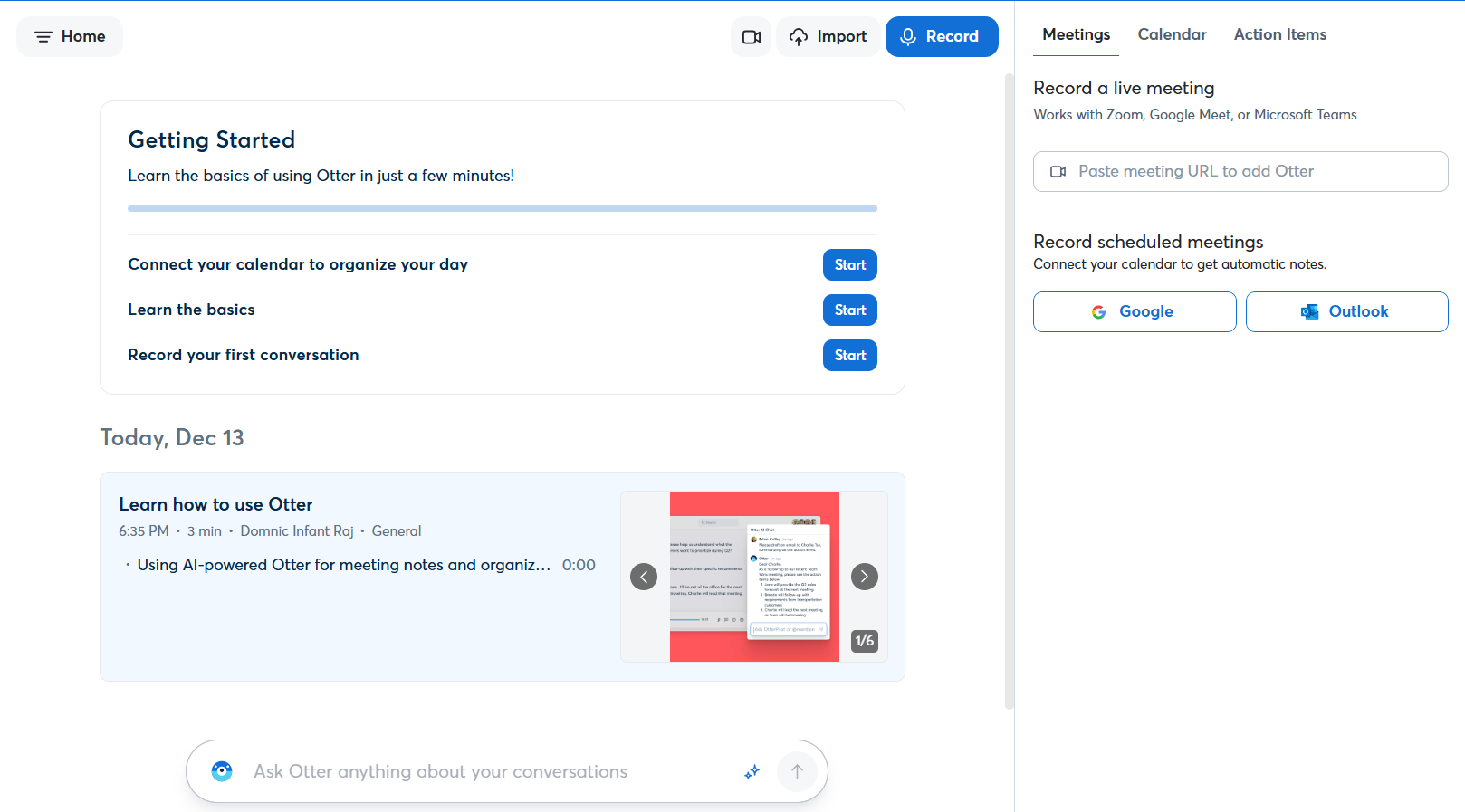
Otter.ai transcribes meetings in real time.
- Produces accurate, editable transcripts.
- Detects speakers and timestamps key moments.
- Supports collaboration via highlighting and commenting on action items.
44. Spinach
Spinach supports Agile teams. It automates daily standups, sprint retrospectives, and backlog grooming. The tool captures key decisions. It generates tickets. It integrates with project management tools, including ClickUp. These features improve meeting efficiency and focus on actions.
45. tl;dv
tl;dv records and transcribes meetings. It highlights key moments with time-stamped summaries. It integrates with Zoom and Google Meet. Users can clip and share important sections. This function supports review of missed meetings and distribution of critical insights.
AI Tools for Customer Support
Improve client interactions with these intelligent support tools:
46. SecondBrain
SecondBrain builds intelligent chatbots for real-time support. The system trains on existing content and data. It provides accurate responses in more than 90 languages. It automates customer support and improves engagement on websites and messaging platforms.
47. Kustomer
Kustomer streamlines customer service using AI. It automates responses, detects sentiment, and predicts wait times. The platform integrates with messaging and social media applications. It provides support for businesses of all sizes. It enhances customer experience through personalized interactions.
48. Textio
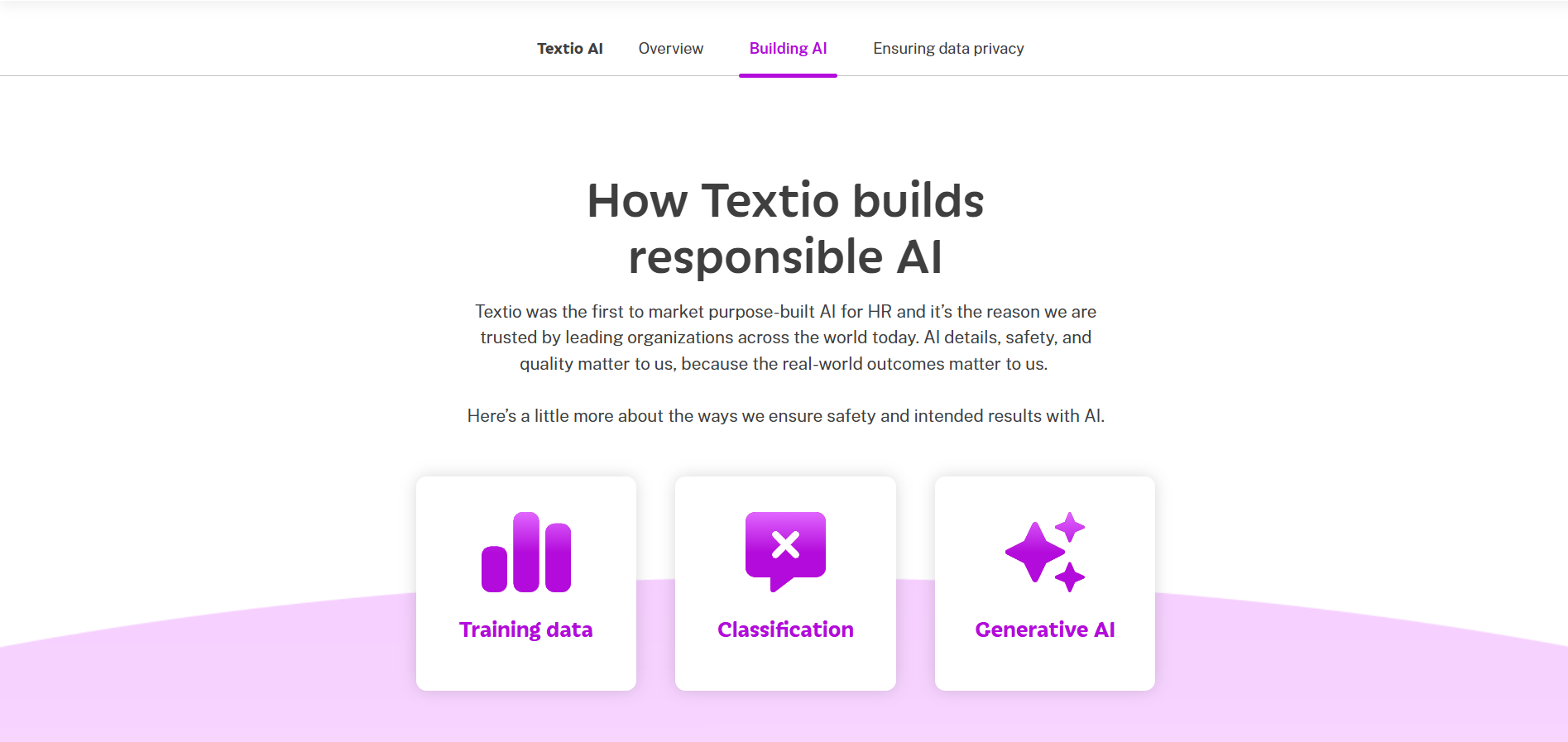
Textio optimizes job descriptions and customer communications using AI analysis. The tool improves language inclusivity, clarity, and professionalism. These features align content with diverse audiences. Textio supports HR and support teams by improving recruitment outcomes and customer engagement.
49. Hiver
Hiver is an AI-powered shared inbox for customer support. It assigns tasks using intelligent logic and provides actionable insights. The tool manages team workflows effectively. Hiver suits small and medium-sized businesses. It ensures timely query resolution, improves collaboration, and reduces response times.
50. CVViZ
CVViZ matches job candidates to roles based on skills and experience. As a recruitment tool, it streamlines hiring. This ensures qualified talent joins your organization. The result is improved service delivery for customer support teams.
Conclusion
Mastering AI tools is now essential. These 50 solutions cover content creation, coding, customer service, and video production. They streamline workflows and increase productivity. Use these tools to achieve professional goals.
Start exploring these tools. Measure the impact on your productivity. Identify which tools fit your workflow best. Share your experience in the comments.
To put AI to work in your own business, see our AI implementation services.
Related reading: LLM applications and ethical governance and multimodal AI applications with Gemini 2.0 Flash.
Frequently asked questions
The guide lists ChatGPT, Writesonic, GrammarlyGO, Rytr and Jasper. ChatGPT supports content creation, idea generation and research. Writesonic generates SEO-optimized blogs, ads and social posts. GrammarlyGO suggests edits and adjusts tone. Rytr writes short-form content, and Jasper creates SEO-optimized blogs, ads and emails.
The guide lists GitHub Copilot, BlackBox, Figstack, Bubble and Cody by Sourcegraph. GitHub Copilot generates code from natural language prompts. BlackBox helps find code snippets. Figstack documents and explains code. Bubble enables no-code web apps. Cody analyzes the full codebase to answer code queries and support debugging.
The guide lists Midjourney, DALL·E 3, Stockimg.ai, Bria and Canva Magic Studio. Midjourney and DALL·E 3 generate images from text prompts. Stockimg.ai creates stock photos, logos and posters. Bria produces ethically generated visual content. Canva Magic Studio combines design creation, template generation and visual animation.
The guide lists Synthesia, Runway, Fliki, Pictory and Wondershare Filmora. Synthesia turns scripts into AI videos with lifelike avatars in 120+ languages. Runway offers text-to-video, motion effects and inpainting. Fliki converts text into video and audio. Pictory turns long text into short videos. Filmora adds noise reduction and background removal.