
Data volume grows. Storage must scale. It must remain cost-effective and secure. Data engineers require these capabilities. Google Cloud Storage (GCS) is a versatile solution for storing, accessing, and managing data. This guide outlines essential features, benefits, and use cases for data engineers.
Definition of Google Cloud Storage
Google Cloud Storage (GCS) is an object storage service on Google Cloud Platform (GCP). It stores and retrieves data of any size from any location. GCS supports unstructured data, images, backups, and analytics. It provides the flexibility and performance required for data engineering tasks.

Google Cloud Storage: Core Capabilities
Scalability
- GCS scales to store petabytes of data. The system manages infrastructure automatically. No manual provisioning is required.
Durability and Availability
- GCS replicates data across multiple locations. The service achieves 99.999999999% durability. This design suits critical data storage.
Access Control and Security
- Identity and Access Management (IAM) roles restrict data access to authorized users.
Storage Locations
- Select multi-regional or regional storage based on availability and cost requirements. Multi-regional storage increases redundancy. Regional storage reduces costs for less critical data.
Integration with GCP Services
- GCS connects with BigQuery, Dataflow, and Cloud Functions. This creates a unified data environment.
Google Cloud Storage Best Practices
1. Select the Appropriate Storage Class
GCS provides these storage classes:
- • Standard: Optimized for frequent access.
- Nearline: Cost-effective storage for data accessed less than once a month.
- Coldline: Optimal for data accessed less than once a year.
- Archive: Lowest cost for data with rare access.
Select the correct storage class to reduce costs and maintain performance.
2. Implement Data Lifecycle Management
Define lifecycle policies. These policies move objects to lower-cost storage classes or delete them after a set time.
3. Protect data integrity
- Encryption: GCS encrypts data at rest by default. You can manage keys for additional control.
- Access Control: Apply least privilege. Assign only required roles.
4. Track usage and performance
Use Google Cloud Monitoring and Logging to track storage usage, monitor performance, and trigger alerts for abnormal activity.

Practical Use Cases for Data Engineering
1. Data Lake Architecture
GCS provides a base layer for data lakes. Engineers store raw data from multiple sources, then process it for analytics.
2. Data Archiving
GCS Archive class reduces costs for long-term data retention. It stores data with low access frequency. It fits data engineering retention policies.
3. Integration with BigQuery
Load GCS data into BigQuery for analysis. Use the bq tool or Console. Run SQL queries on external GCS data.
4. Machine Learning Data Storage
Store training datasets and model artifacts in GCS. This standardizes the ML workflow. It holds both input data and output models.
5. Data Backup and Disaster Recovery
Integrate GCS into data backup strategies. Periodic backups of critical data to GCS ensure recovery after hardware failures or disasters.
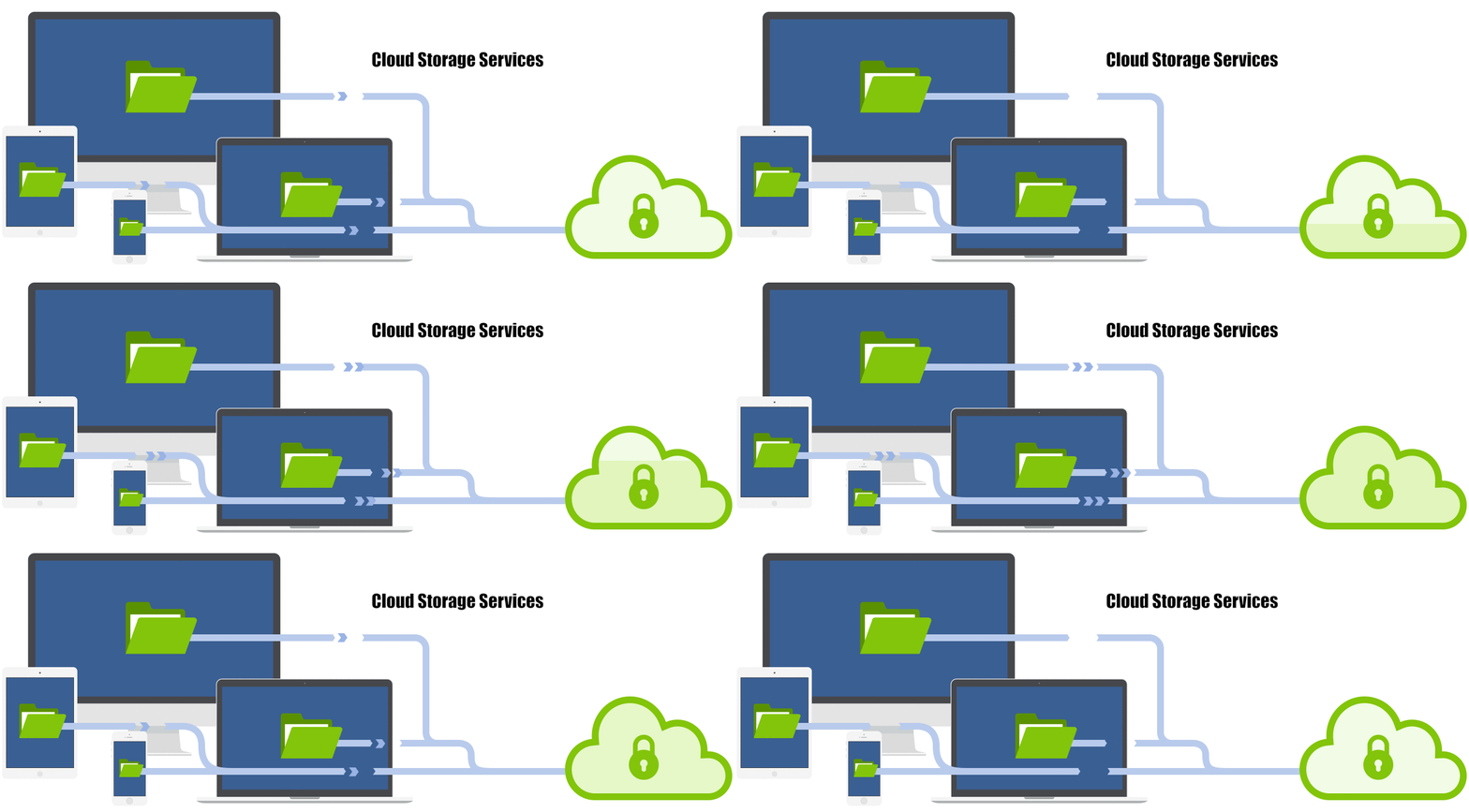
Application Scenarios
Analytics Data Lake:
- Store raw data in GCS as a data lake. Process data using BigQuery and Dataflow for analysis.
Backup and disaster recovery
- Store critical data backups in GCS. Ensure high durability and availability for recovery.
Static website hosting
- Serve static websites from GCS. Host HTML, CSS, and JavaScript files.
Media storage
- Serve images and videos to applications and websites. GCS global availability supports this use case.
Conclusion
GCS provides data engineers with flexible, scalable storage. It includes robust data management features. Use GCS to set up, manage, and optimize data projects. This approach extracts insights from cloud data. GCS supports both new and advanced data engineering workflows.
Explore how Google Agentspace transforms the digital era.
Request a personalized consultation.
Contact Us
For help with data pipelines and storage on Google Cloud, see our data engineering services.
Related reading: BigQuery as an enterprise data warehouse and how to set up a data pipeline on GCP.