
Database migration to GCP improves scalability, cost efficiency, and performance. To migrate a database to GCP, assess the current database environment, select a migration strategy, then execute and validate the migration with Google Database Migration Service (DMS). This article outlines three steps for a controlled transition. For help with a move like this, see our Google Cloud migration services. See our blog on BI migrations for related context:
Step 1: Assess the Current Database Environment
Assess the current database environment before migration. Evaluate architecture, size, complexity, and performance needs. Identify the database type, such as relational (MySQL, PostgreSQL) or non-relational (MongoDB). This selection determines the target GCP services.

Map database dependencies on applications and APIs. Identify these links to prevent service disruption during migration. Assess workloads, storage, and availability requirements. Select GCP services that meet your infrastructure needs efficiently.
Step 2: Select a Migration Strategy
Select a migration strategy to ensure success. Common strategies include:
- Lift and Shift: Move the database to GCP with minimal changes. This method is the fastest. It does not immediately use cloud-native features.
- Replatforming: Migrate the database with minor changes. Use GCP managed services, such as Cloud SQL or Bigtable. This approach reduces operational burden. It increases scalability.
- Refactoring: Redesign applications to use cloud-native features. This method requires more time but improves long-term performance and cost efficiency.
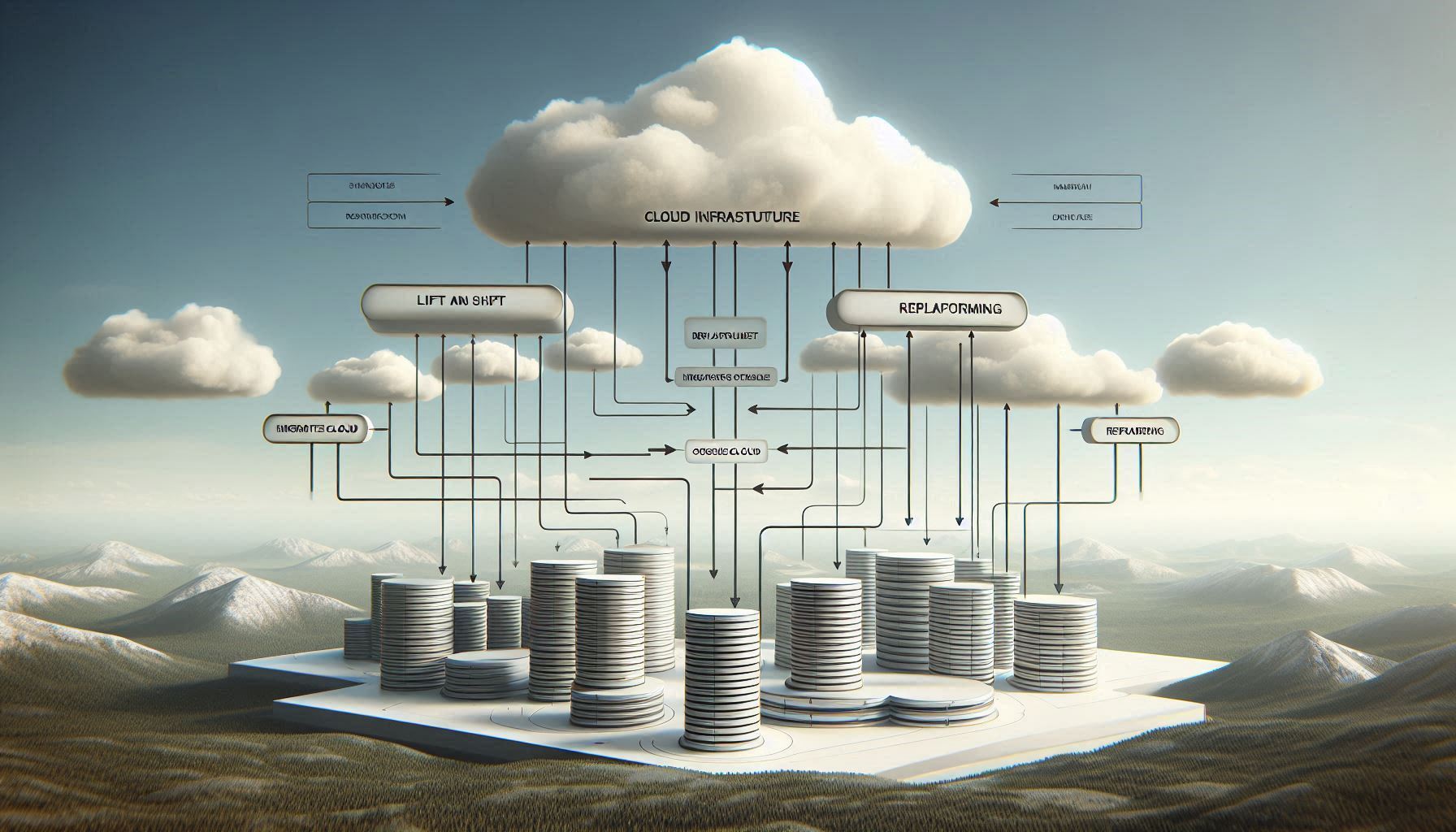
Select a strategy that balances immediate migration needs with future scalability and performance goals.
Step 3: Execute and Validate the GCP Database Migration
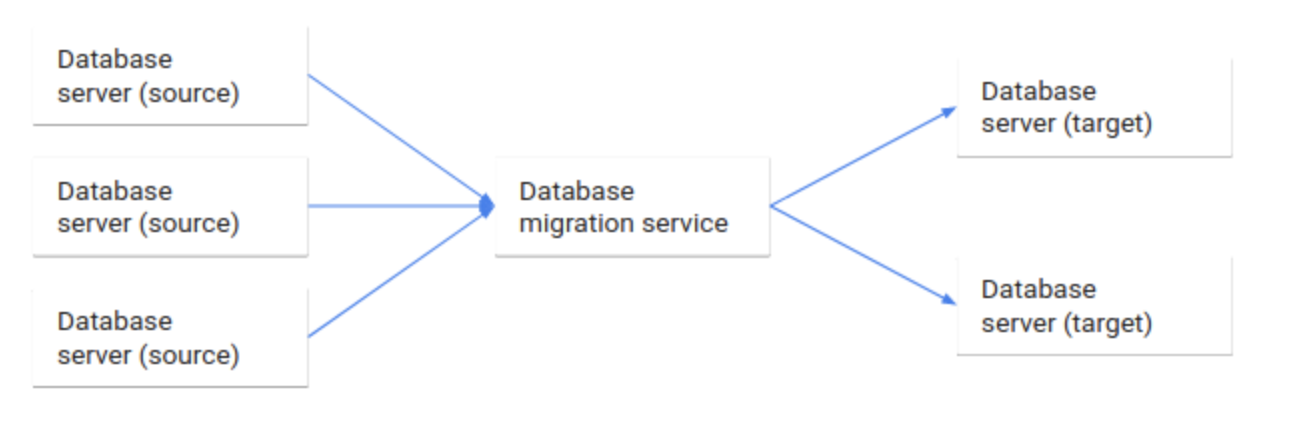
Execute the migration after defining the strategy. Google Database Migration Service (DMS) simplifies the process through continuous replication. This minimizes downtime for critical applications.
- Offline Migration: Use scheduled downtime to migrate smaller databases.
- Live Migration: DMS replicates data in real time for large databases. This approach reduces service interruption.
Validate the setup after migration. Run data integrity checks to verify accuracy. Perform performance testing to confirm the infrastructure meets requirements. Use GCP tools, such as Cloud Monitoring, to track performance and identify optimization opportunities.
Use Cases
- Organizations with legacy relational databases (Oracle or MySQL) can migrate to GCP with minimal downtime. This approach requires few changes to application infrastructure. See: Migrating Legacy Systems to GCP Using a Lift-and-Shift Strategy.
- Businesses using on-premises MySQL, PostgreSQL, or MongoDB can reduce operational overhead. Migrate to managed services like Cloud SQL or Bigtable. See: Moving from Self-Managed to Managed Database Services with Replatforming.
- Applications requiring high availability and global reach using scalable, cloud-native, non-relational databases. Full application refactor.
Next Step
After migrating to GCP, build a reliable data pipeline using Cloud Pub/Sub, Dataflow, and BigQuery. Our upcoming blog details how to optimize data ingestion, real-time processing, and analytics for performance and scalability. Cloud FinOps practices also reduce enterprise costs. Contact our team to discuss your project requirements.
Contact Our Team
Related reading: analytics platform migration case study.