
This guide covers the integration of Looker and BigQuery on Google Cloud Platform (GCP). BigQuery stores and queries data. Looker delivers interactive, visual reports. This setup enables advanced analytics on cloud infrastructure.
Value of Looker and BigQuery Integration
This integration pairs Looker visualization with BigQuery processing. It delivers insights on large datasets without infrastructure management. The result is real-time, self-service analytics for decision support.
Looker: A Standalone Analytics Layer
- Self-Service Analytics: Looker allows non-technical users to query data independently. This reduces data team workload and speeds up insight generation.
- Structured Modeling: LookML provides a flexible modeling language. It ensures data models remain structured, adaptable, and consistent for accurate reporting.
- Actionable Visualization: Looker offers customizable dashboards, diverse visualizations, and real-time filtering. These features help teams derive insights quickly.
- Collaborative Data Access: Looker supports cross-team sharing and embeds visualizations in external applications. This promotes collaboration and a data-driven culture.
BigQuery Capabilities
- Serverless Operation: The serverless model removes infrastructure management tasks, reducing operational overhead.
- Scalable Architecture: The platform processes petabytes of data, supporting large-scale analytics across extensive datasets.
- Query Performance: Distributed computing and columnar storage optimize performance for complex analytical queries.
- GCP Integration: BigQuery connects with Google Cloud services, including Dataflow, Data Studio, and Cloud Composer, to form a cohesive data ecosystem.
Integration Value
- Unified Data Workflows. BigQuery provides scalable storage and processing. Looker provides the analytics interface. This combination streamlines workflows from ingestion to visualization.
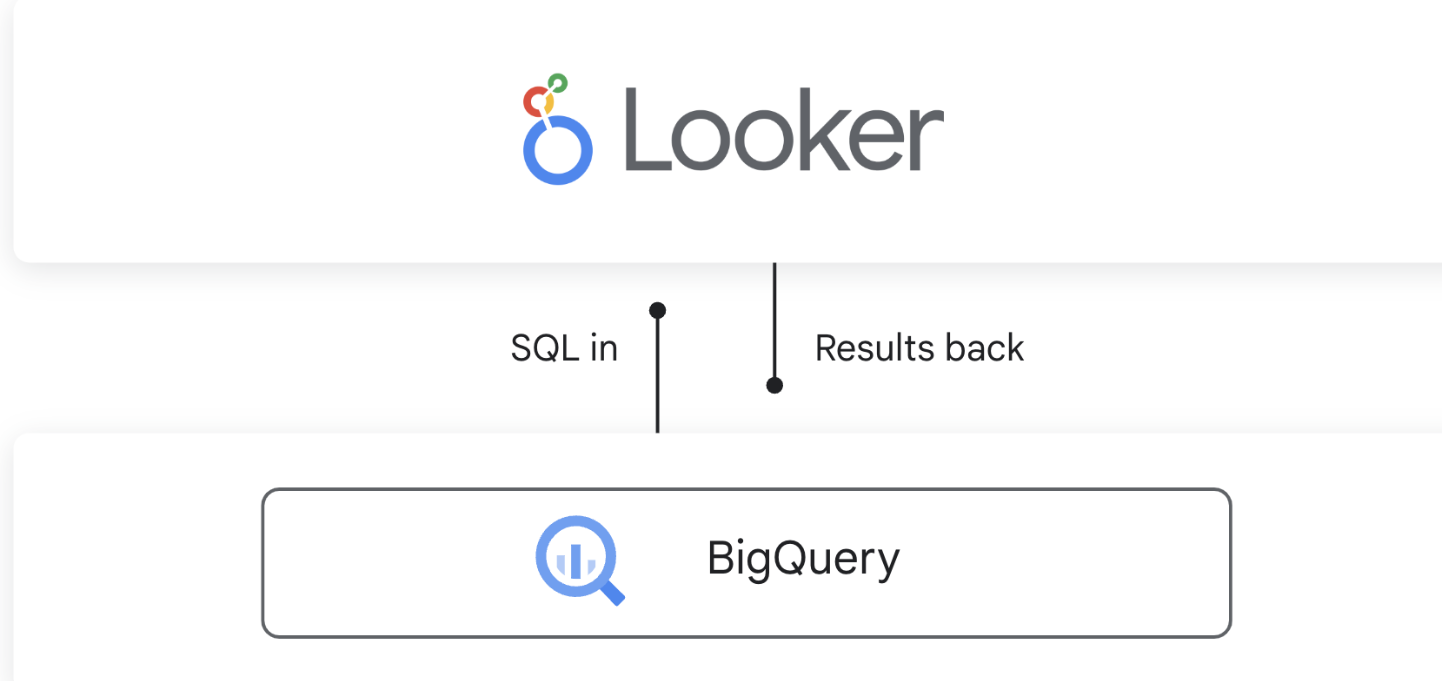
- Direct Real-Time Querying. Looker queries BigQuery data directly. This enables real-time insights. It removes the need for data replication or migration.
- Reduced Maintenance Overhead. The GCP-managed solution requires minimal maintenance. Teams spend more time on analytics and decision-making.
- Secure Data Access. Looker uses Google service accounts and permissions to access BigQuery data. This ensures data privacy and regulatory compliance.

Implement Looker and BigQuery Integration
1. Establish Data Connectivity
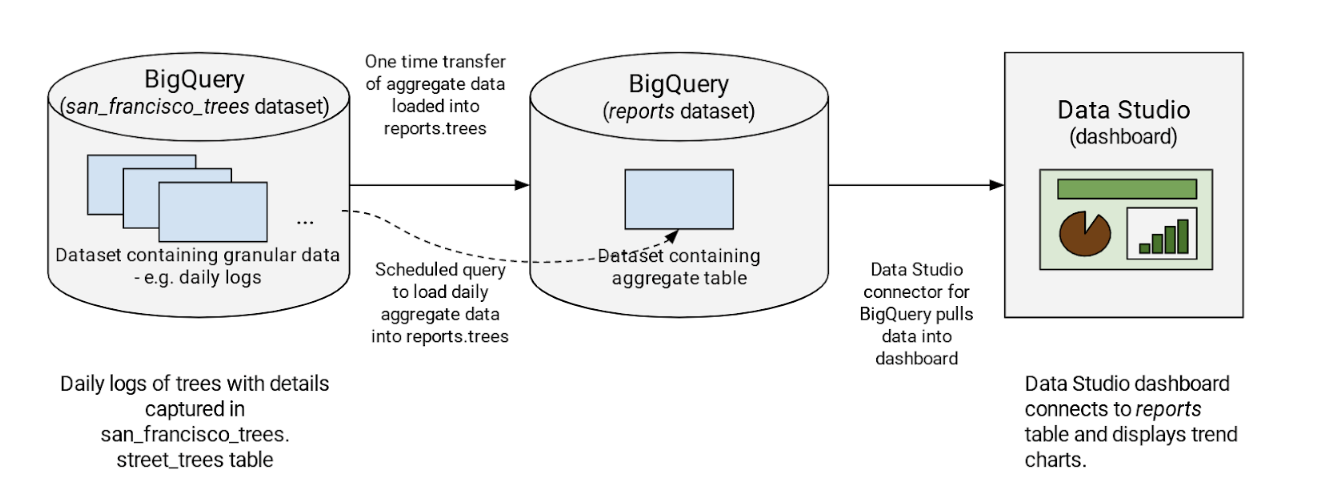
Create a direct BigQuery connection in Looker. This enables Looker to query and analyze BigQuery data sources.
Primary Configuration Steps:
- Acquire BigQuery authentication credentials and API access permissions.
- Connect Looker to BigQuery via a service account.
- Verify the connection and confirm access permissions.
2. Model Data Using LookML
Use Looker’s LookML to map data structures to BigQuery tables. This layer supports flexible reporting.
Key Actions:
- Create LookML views that map to BigQuery tables.
- Define derived tables to handle complex aggregations in Looker.
- Apply BigQuery SQL functions to optimize analysis.
3. Build Reports and Dashboards
Define the data model, then build dashboards to visualize BigQuery data.
Key Actions:
- Create dynamic dashboards using Looker visualization tools.
- Enable drill-downs and filters to generate real-time, customized insights.
- Share and schedule reports to provide teams with accessible data.
Use Cases
- E-commerce: Track user behavior in real time using BigQuery and Looker to optimize marketing.
- Manufacturing: Analyze IoT sensor data to predict equipment maintenance.
- Finance: Monitor transactions to detect fraud.
Conclusion
Integrating Looker and BigQuery on GCP provides a scalable solution for in-depth data analysis. Looker’s interface and BigQuery’s processing capabilities streamline data handling. This setup supports real-time, actionable insights across business units. The integration fosters data-driven decision-making.
Related reading: Looker and BigQuery for marketing analytics and real-time campaign optimization with BigQuery and Looker.