
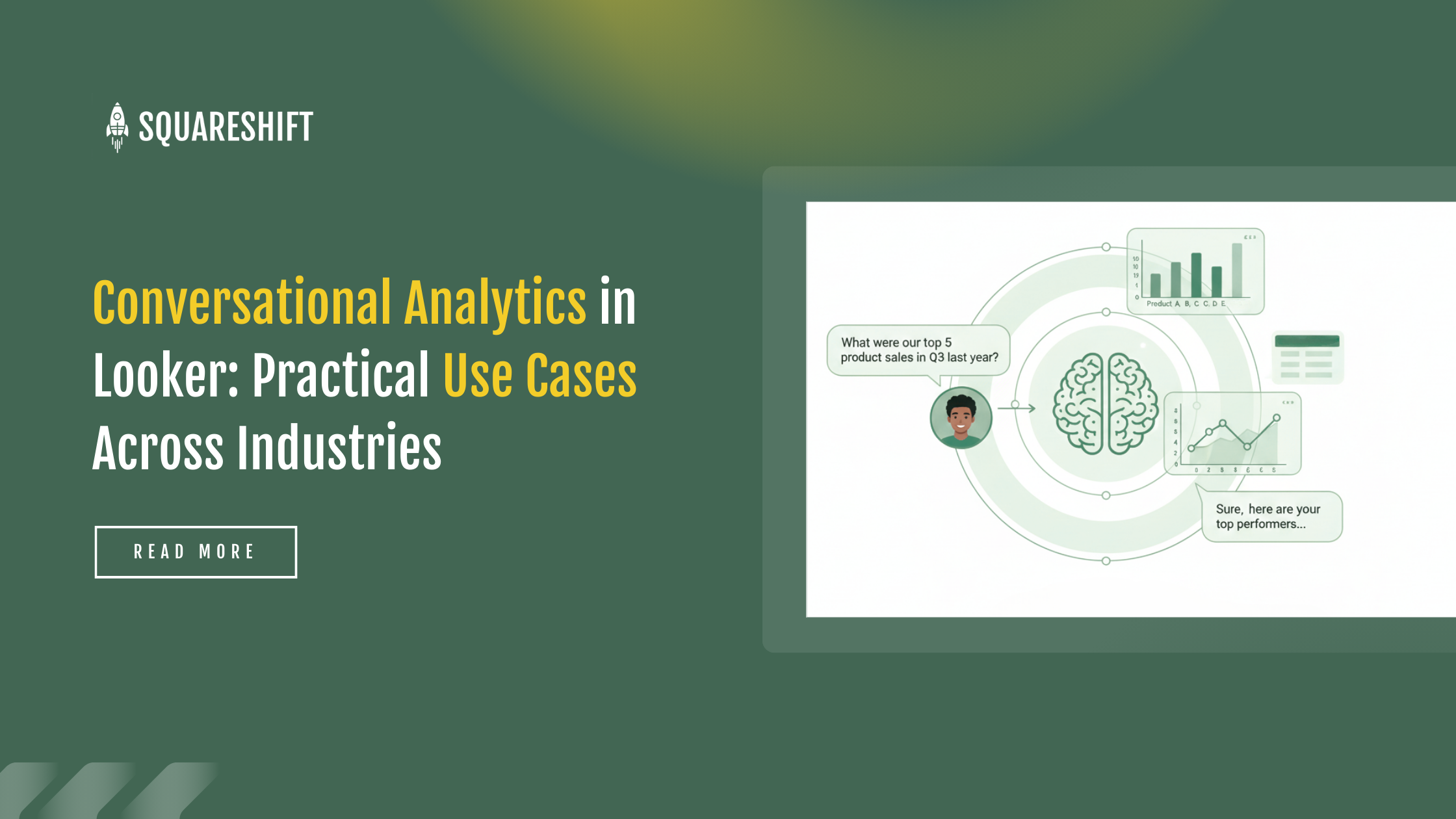
Conversational analytics extends business team data interaction. Scheduled dashboards and analyst reliance slow decision-making.
The Looker conversational layer removes analyst dependency. Users type plain-language questions and receive governed results from the LookML semantic model. No new pipelines are required. The dashboard data structure supports the conversational workflow. Organizations expand analytics access while maintaining consistency.
1. Why Conversational Analytics in Looker Delivers Reliable Insights
Many conversational analytics tools provide superficially useful answers that lack context or data governance. Looker avoids this failure mode by linking the entire experience to the LookML model. Every answer, chart, and table generated by conversational business intelligence adheres to the same definitions used in static dashboards and reports. This consistency enables cross-industry trust in the output.
This reliability in natural language business intelligence depends on several core capabilities:
- Queries use Looker Explores to ensure consistent calculations
- The system displays charts or tables as needed.
- The system retains query context within a session.
- Data Agents support custom logic, including synonyms, preferred fields, defaults, and forced filters.
These features support sectors that require accuracy, timeliness, and controlled data access.
2. Conversational Analytics Use Cases by Industry
Conversational analytics improves decision-making across key sectors. Examples detail how conversational analytics supports daily operations in banking, retail, SaaS, healthcare, manufacturing, and telecom.
2.1 Banking and Financial Services
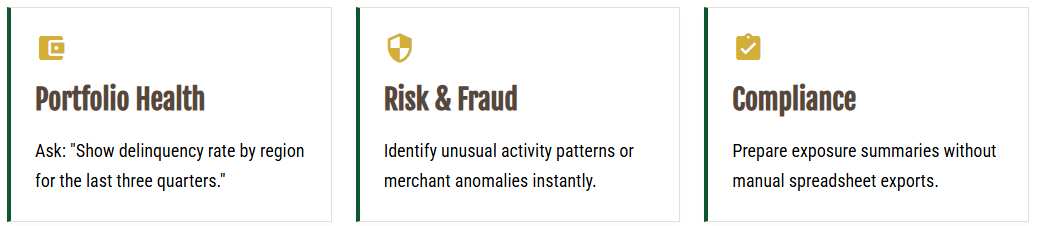
Banks track high volumes of metrics for lending, payments, customer journeys, risk modeling, and compliance. Teams often wait for analysts to run specific SQL queries for urgent questions. Conversational BI in Looker reduces these delays. Users can ask questions in natural language.
Common use cases include:
a) Portfolio health monitoring
Teams query trends with natural language, such as:
- Delinquency rates by region over the last three quarters
- Secured versus unsecured lending growth this month
These queries previously required SQL or multiple dashboard filters.
Risk and fraud pattern exploration
Risk analysts request unusual activity patterns, claims surges, or merchant category anomalies. This removes the need to build custom explorers for each analysis.
Regulatory and audit preparation
Compliance teams access consistent metrics for:
- Capital reporting
- Exposure summaries
- Branch-level activity
This reduces dependence on spreadsheet exports.
Customer Service Analytics
Users query recent complaint trends and digital channel login failures. This supports rapid response to changing operational conditions.
Users query governed data without technical assistance. This maintains data accuracy in high-stakes environments.
Retail and E-Commerce
Retail operations require management of demand shifts, seasonal cycles, supply constraints, and promotional outcomes. Dashboards do not answer all unplanned questions. Business users query data without SQL to identify underperforming categories and low sell-through items.
Conversational analytics in Looker enables:
Daily sales insights
Teams can query, “What categories underperformed yesterday?” or “Show sales by hour for the weekend.” The system returns charts immediately.
Inventory and supply queries
Operations managers use the tool for rapid verification:
- three-day inventory coverage
- stores with low sell-through rates
- products with increasing out-of-stock rates
c) Promotion and pricing evaluation
Marketing teams review revenue contribution from recent promotions or changes in basket value following price adjustments.
d. Customer segmentation
The Looker semantic layer enables teams to explore segments via natural language queries. This approach prevents errors in filtering and grouping. Teams group customers by shared characteristics. The objective is to replace generic marketing with targeted communication. Users query data in plain English, such as "Identify customers who purchased winter gear last year but not this year." Teams then create targeted promotions or replenishment alerts. This process does not require a data scientist to build custom reports.
Retail requires speed. Teams make pricing and replenishment decisions using dashboard data. They do not wait for analyst input.
2.3 SaaS and technology platforms
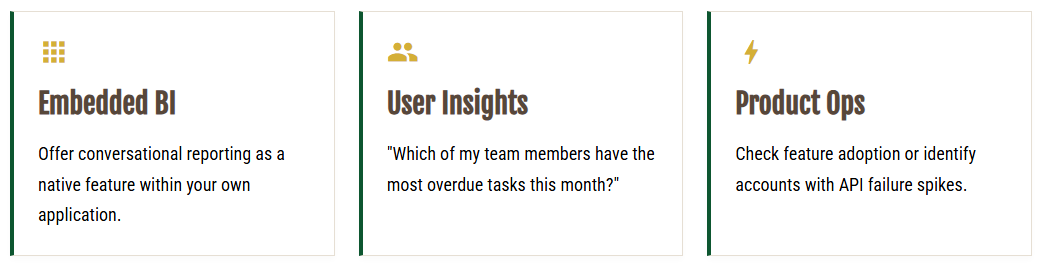
SaaS companies embed Looker in their products. They help customers access usage metrics, billing insights, and operational data. Conversational analytics extends this capability. End users ask questions directly within the application.
Primary use cases:
User-level insights
SaaS customers query their own usage data. These queries address feature adoption, login frequency, error rates, and spend. A Project Management SaaS user asks: “Which team members have the most overdue tasks this month?” or “What is our average time to complete a high-priority ticket?”
Product analytics
Internal product teams measure feature retention impact, identify low-usage modules, and track behavior changes after updates.
c) Operational support
Support teams query data for specific operational issues. Examples include: Accounts with increased API failure rates. Customers with latency above threshold yesterday.
Looker embedding framework and custom visualizations enable SaaS applications to integrate conversational reporting. Features include custom layouts, user isolation, custom downloads, and role-based access control.
Looker combines conversational data access with strict governance. This capability supports tools serving large customer bases.
Review implementation options for Conversational Analytics in Looker.
2. Healthcare and Life Sciences
Healthcare organizations process sensitive data under strict regulation. Looker’s semantic layer governs access to fields and logic. It supports fast queries without exposing restricted data or allowing incorrect calculations. This structure meets the need for speed and compliance.
Key use cases include:
Claims and reimbursement analysis
Teams query claim volume, denial reasons, cycle time, and payer trends using natural language.
b) Clinical Operations
Leaders request metrics for patient throughput, referral patterns, and diagnostic delays directly. This removes the need for custom SQL reports.
c) Regulatory Compliance
Auditors and compliance teams retrieve controlled, accurate metrics from LookML logic. This replaces manual spreadsheet curation.
d) Financial Performance
- Hospitals track service line profitability
- Hospitals review scheduling efficiency
- Hospitals verify specialist availability
2.5 Manufacturing and Supply Chain
- Manufacturing data often contains nested structures
- LookML simplifies these models
- The system prevents data duplication
Use cases:
- Production metrics
Managers query downtime trends, throughput comparisons, and shift productivity.
Supply chain delays
Teams review supplier lead times, shipment delays, and inventory shortages in a single system.
Quality control
Quality teams analyze defect patterns, batch failures, and inspection trends using natural language.
d) Cost and Margin Monitoring
Finance teams analyze raw material cost changes and margin deviations. This reduces the need for manual spreadsheet work.
2.6 Telecom and Media
Telecom and media organizations generate large volumes of event data. Conversational analytics simplifies data exploration. This benefits non-technical users.
Relevant use cases include:
Subscriber Behavior
Teams query churn indicators, plan upgrades, or device usage trends.
Network Operations
Operations teams analyze outage impact, regional traffic volume, or support case spikes.
Ad Performance Analysis
Media teams use conversational queries to measure creative performance, audience reach, and channel impact.
Data Agents Improve Accuracy
Conversational analytics requires the system to understand business terms.
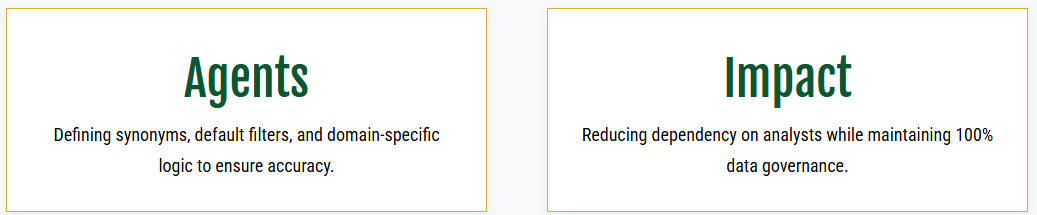
Looker Data Agents allow teams to define:
- Field synonyms
- default filters, such as year or region
- primary grouping fields
- fields to exclude
- domain-specific instructions
This reduces ambiguity. The output aligns with organizational metric definitions.
4. Embed Conversational Analytics in Applications
Looker embeds conversational analytics in portals, dashboards, and SaaS environments. It controls layout, permissions, downloads, and user isolation. This makes analytics feel native to the application.
These tools provide self-service analytics. They integrate into daily workflows. Users access them via standalone portals or embedded applications.
Common use cases include SaaS, BFSI, retail loyalty programs, and customer-facing apps.
5. Conclusion
Looker conversational analytics improves data access. It preserves existing architecture and governance.
Industries adopt this tool for different reasons. The goal is consistent:
- Reduce analyst dependency.
- Enable faster decisions.
A clean semantic layer ensures reliability. Defined Data Agent instructions add value. This approach extends daily routines. It remains predictable and high-value.
Looker Data Agents improve accuracy. Teams define:
- Synonyms.
- Default filters.
- Domain-specific instructions.
The agent retains query context during conversation.
Looker ties every result to governed LookML definitions. This avoids contextless answers. The approach ensures organizational consistency.
Data Agents embed into portals and dashboards. They support self-service. The experience fits daily workflows.
SquareShift integrates Data Agents into Slack and Microsoft Teams. This extends access to communication channels.
Related guides: our conversational analytics in Looker guide covers architecture, governance and adoption, and our explainer answers what conversational analytics is.