
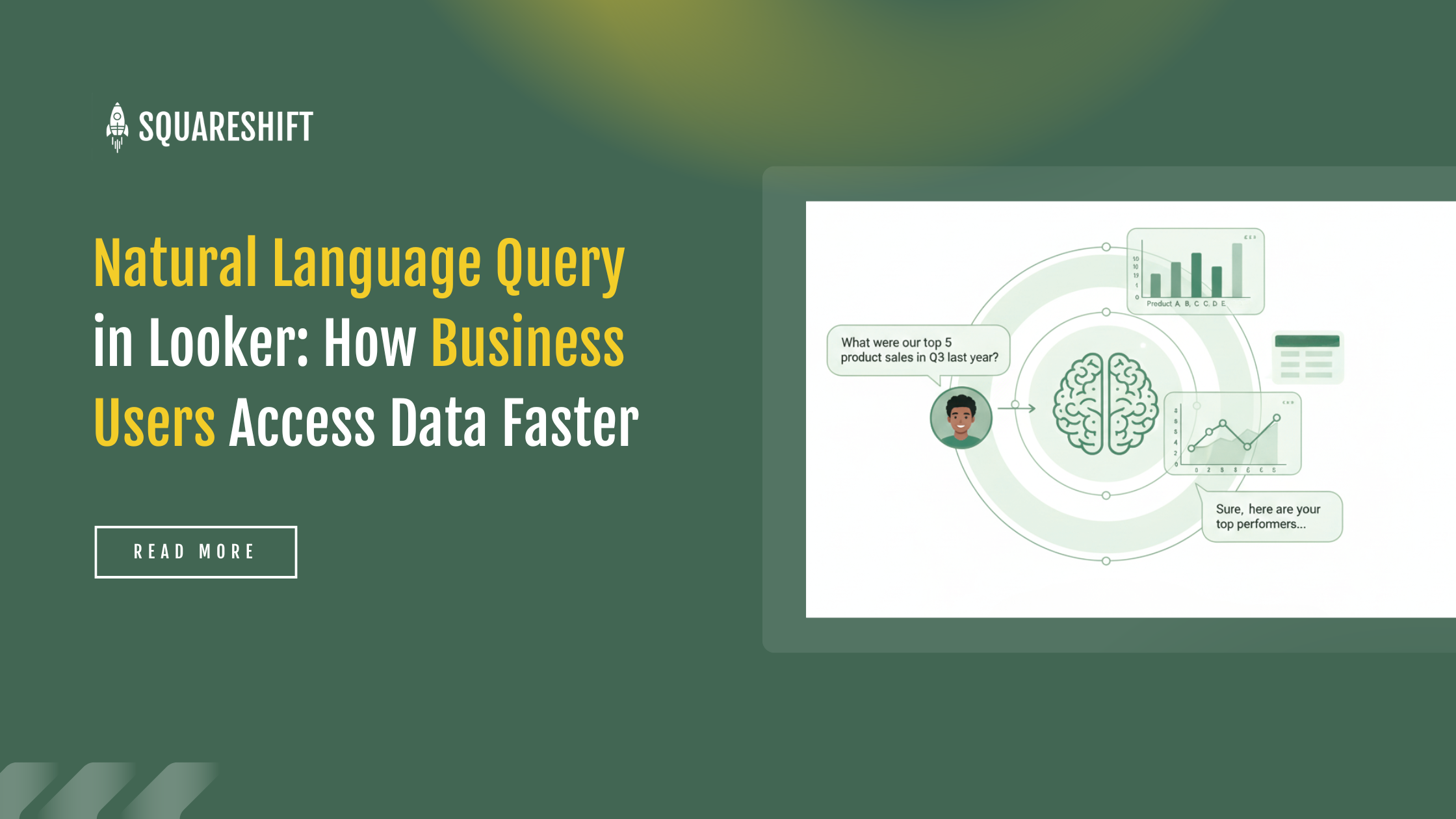
Natural Language Query (NLQ) in Looker allows users to ask business data questions in plain language. The system returns answers based on existing Looker data models. Looker translates these questions into queries that follow predefined business logic.
NLQ in Looker operates on curated Explores, not raw tables. Each answer reflects approved definitions, joins, and calculations.
1. The Value of Natural Language Query (NLQ) in Looker
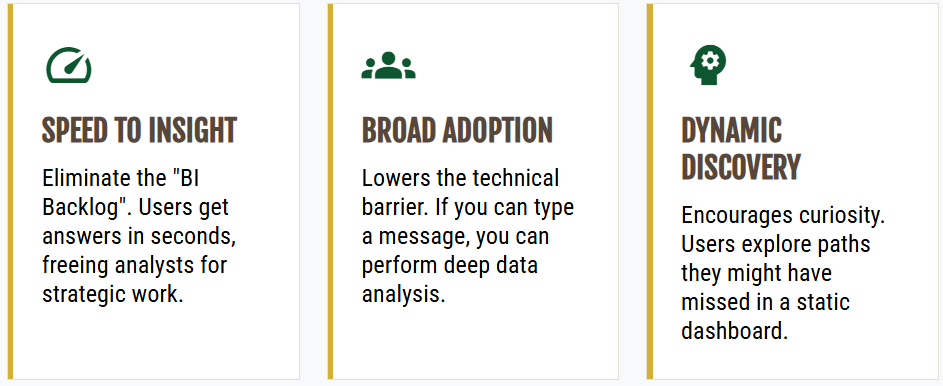
Low analytics adoption reveals the value of Natural Language Query (NLQ) in Looker. Many organizations have robust data teams and modern warehouses, but few users actively query data.
NLQ reduces the effort required to query data while maintaining governance. It supports adoption by:
- Supporting question-based interaction over report execution
- Addressing quick validation needs rather than complex analysis
- Increasing data usage frequency by reducing interface friction
This supports enterprise conversational BI. Analytics becomes part of everyday decisions.
2. Natural language query in Looker gives business users easy data access
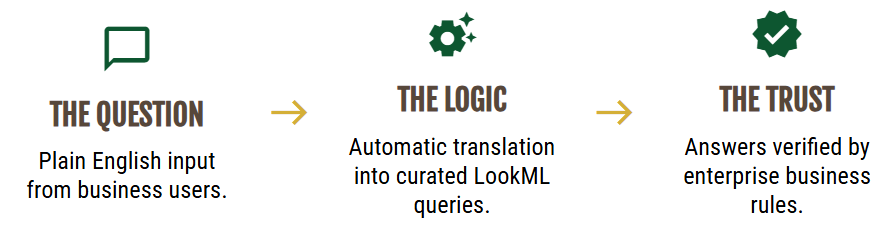
Natural Language Query (NLQ) in Looker removes steps between a question and an answer.
The following points explain how NLQ in Looker eases data access.
2.1 NLQ matches natural question patterns
Business users focus on outcomes and comparisons. They do not think in dimensions, measures, or joins. When a metric changes, they ask what happened and why.
NLQ in Looker allows users to type questions as plain language:
- Sales by region last month
- Top products by revenue
- Orders that dropped after the price change
Users do not need to know the data location or model structure. Looker maps natural language to existing business logic. This removes a key barrier for non-technical users.
2.2 Eliminate the requirement to learn analytics tools
Traditional BI tools require users to master the interface before analyzing data. Filters, field names, chart settings, and drill paths create friction.
Looker conversational analytics starts with a question, not a tool. The system manages:
- Selecting the required fields
- Apply Correct Filters
- Generate Background Queries
Business users access data as a fact-check, not an analytical task. This approach reduces barriers to entry and increases user adoption.
2.3 Maintain Consistent and Trustworthy Answers
Looker natural language queries use governed Explores. Answers follow standard definitions from dashboards and reports. Revenue metrics remain consistent across views. Date logic applies uniformly. Access controls enforce automatically.
Consistency builds trust. When users trust the results, they query data more often.
2.4 It supports follow-up questions without restarting the query
In Looker, NLQ supports iterative queries that reference prior context:
- Revenue by product this quarter
- Filter to enterprise customers only
- "Break it down by region"
No filter reset or view rebuild is required. The dialogue flows. Exploration is lightweight for non-analytical users.
2.5 Integration into daily business operations
Data queries occur in meetings, reviews, and instant messages. They rarely align with scheduled analysis.
Looker NLQ answers queries instantly. No setup is needed. A sales manager checks pipeline status during a call. A marketing lead validates campaign performance before a meeting concludes.
This speed drives adoption of self-service analytics.
2.6 Balance usability and governance
Ease of access raises data quality and security concerns. NLQ in Looker relies on the semantic layer to address these issues.
Business users gain simplicity. The organization retains:
- Controlled metric definitions
- Role-Based Access Control
- Centralized Business Logic
This structure enables enterprise-level NLQ, not just casual exploration.
3. Implementation Strategy
Answer quality depends on the semantic layer and LookML models. Poor
Naming gaps, inconsistent metrics, and unclear joins appear when users ask open-ended questions.
SquareShift helps organizations configure natural language queries correctly from the start.
SquareShift focuses on:
- Strengthening LookML foundations
- Improving semantic layer clarity and performance
- Align Business Language with Data Definitions
- Validate Conversational Queries Before Broad Deployment
Implement Looker conversational analytics
4. Conclusion
Natural language query in Looker supplements dashboards and detailed analysis. It addresses the gaps between them. The tool supports the daily requirements for quick questions, clarifications, and data validation.
Looker aligns natural language input with governed data models. This increases data access. It maintains data trust. Over time, this changes usage frequency. It also broadens the user base.
Related guides: conversational analytics in Looker covers architecture, governance and adoption, and AI-driven analytics in Looker explains what it means for business users.
FAQs
What is Natural Language Query (NLQ) in Looker? NLQ allows users to ask questions in plain English. It returns answers from governed data models.
Do I need SQL skills to use NLQ in Looker? No. NLQ translates questions into backend queries.
How does Looker ensure answer accuracy? NLQ uses curated Explores. It follows predefined business logic.
Can I ask follow-up questions? Yes. The system supports conversation. You can refine results.
What is required for a successful NLQ implementation? You need a strong LookML foundation. You need a clear semantic layer.
How can SquareShift help my team adopt conversational BI? SquareShift prepares data for NLQ. We align business language with data definitions. We test queries before rollout.
Does natural language query in Looker use governed data? Yes. Looker natural language queries use governed Explores. Answers follow standard definitions from dashboards and reports, so revenue metrics stay consistent and date logic applies uniformly. Access controls enforce automatically. NLQ relies on the semantic layer, so the organization keeps controlled metric definitions, role-based access control and centralized business logic.
What questions can I ask with NLQ in Looker? You can type plain-language questions such as sales by region last month, top products by revenue, or orders that dropped after the price change. You can then refine the answer with follow-ups, such as filter to enterprise customers only or break it down by region, without a filter reset or view rebuild.
Why does natural language query improve adoption in Looker? Many organizations have robust data teams and modern warehouses, but few users actively query data. NLQ reduces the effort required to query data while maintaining governance. It supports question-based interaction and quick validation, and it raises data usage by reducing interface friction. Answers arrive instantly, even during meetings or calls.